Tutorial archive
Gaming fixes, walkthroughs, and troubleshooting guides
Browse practical tutorials for PC, console, and game-specific issues, with clear steps and video-backed help for solving problems fast.
Inside Tutorials
- PC gaming fixes
- Console troubleshooting
- Error code solutions
- Game-specific how-to guides
Featured post
-
How to Fix FC 27 Crashing or Freezing on PS5
•
Fix FC 27 crashes and freezes on PS5 with updates, a clean restart, license restoration, storage checks, cache maintenance, and a safe reinstall. Read full guide →
-
How to Fix PS4 Error NP-37614-1 in Share Play
•
Fix PS4 error NP-37614-1 in Share Play by checking PSN, updating both consoles, testing connections, restarting the router, and recreating the session. Read full guide →
-
How to Fix FC 27 Input Delay and Lag on PS5
•
Separate controller input delay from online lag in FC 27 on PS5, then update DualSense, test USB, check Connection Quality, and stabilize Wi-Fi. Read full guide →
-

FC 27 Trial Expired or Early Access Missing: Fixes by Platform
•
Fix FC 27 trial-expired and early-access entitlement problems on Xbox, PS5, and PC without deleting saves or buying twice. Read full guide →
-
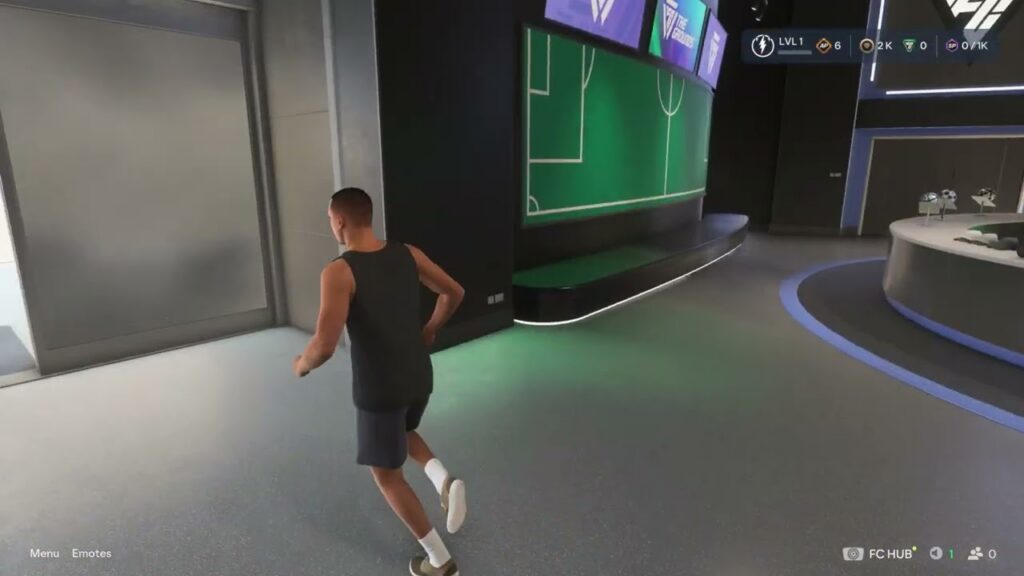
FC 27 The Grounds Guide: Stores, Archetypes, Objectives and Activities
•
Navigate FC 27 The Grounds, edit appearance and Archetypes, find Objectives and stores, and join current activities safely. Read full guide →
-
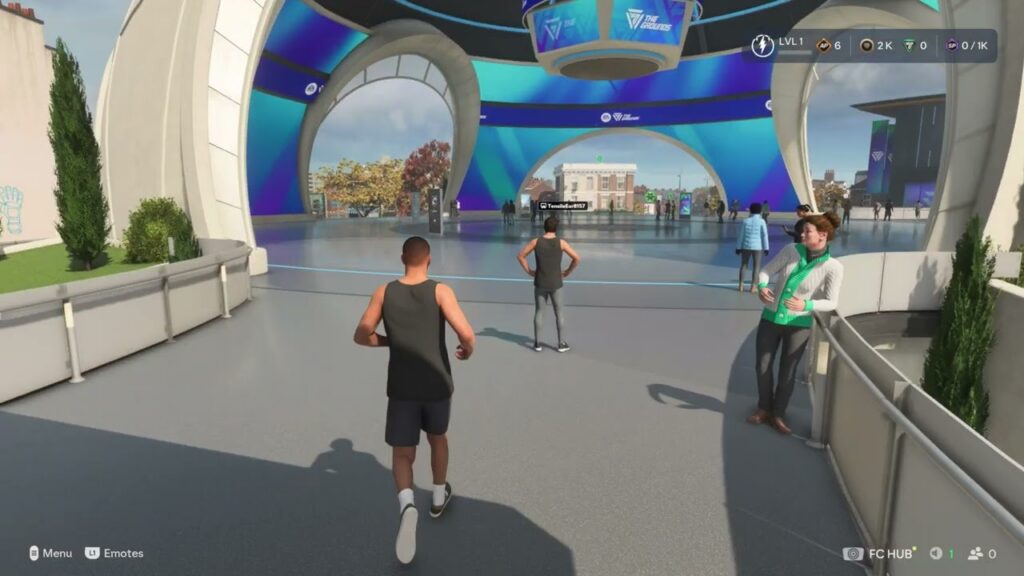
FC 27: Report Players, Add Friends and Use Crossplay
•
Use EA Connect in FC 27 to add friends and manage crossplay, and use the official in-game or EA app report flow for unsafe or abusive behavior. Read full guide →
-
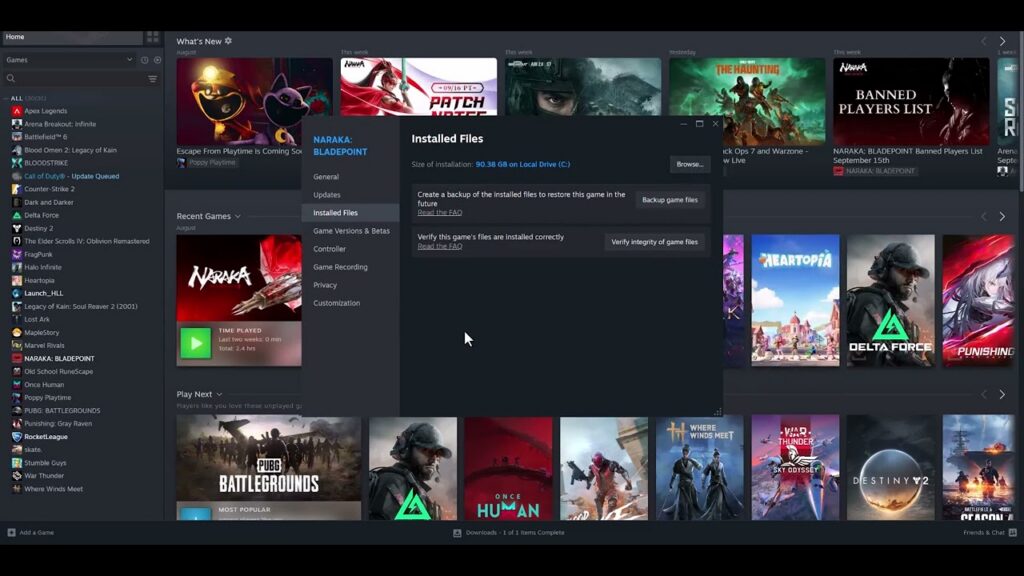
How to Fix FC 27 Crashing or Not Launching on Steam
•
FC 27 crashing or refusing to launch on Steam? Verify the files, update Windows and your GPU driver, close overlays, and test a clean startup. Read full guide →
-
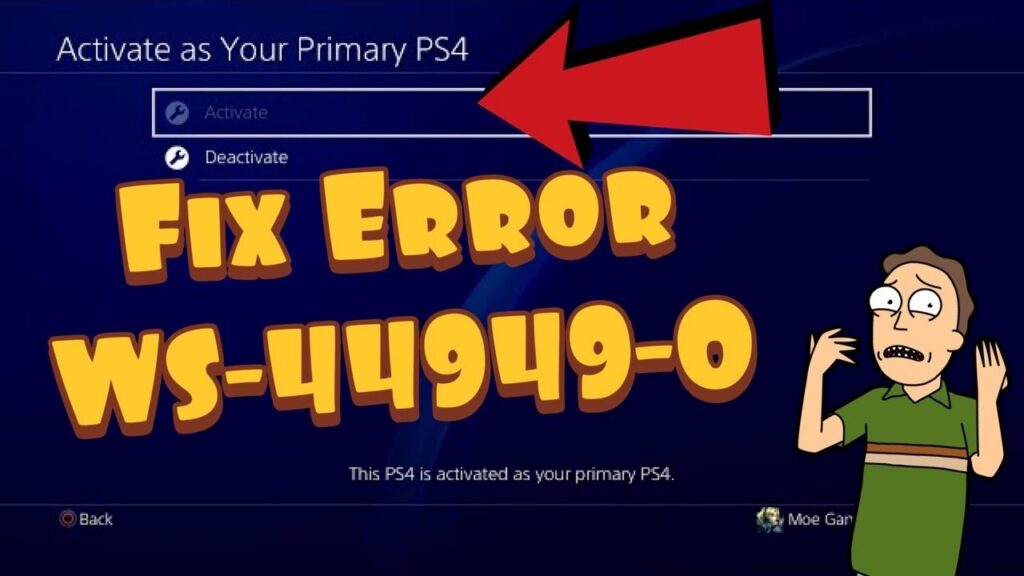
How to Fix PS4 Error WS-44949-0 (Sign-In Restricted)
•
PS4 error WS-44949-0 means an action is temporarily restricted. Verify credentials in Account Management, then stop retrying and wait 24 hours. Read full guide →
-
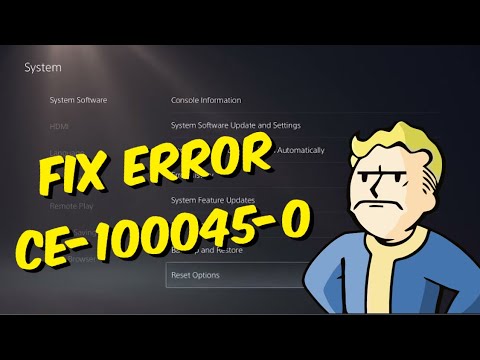
How to Fix PS5 Error CE-100045-0 After a Game Update
•
Fix PS5 error CE-100045-0 when a game update is stuck: restart, restore licenses, clear cache, reinstall the affected game, and avoid a premature reset. Read full guide →
-
How to Fix PS4 Error CE-34697-9 (Cannot Initialize)
•
PS4 error CE-34697-9 points to an HDD problem. Restart, verify replacement-drive compatibility, retry the original drive, and use PlayStation Repairs. Read full guide →
Latest tutorials
Fresh fixes, walkthroughs, and gaming tech help.
-
How to Fix FC 27 Crashing or Freezing on PS5
Fix FC 27 crashes and freezes on PS5 with updates, a clean restart, license restoration, storage checks, cache maintenance, and… Read more →
•
-
How to Fix PS4 Error NP-37614-1 in Share Play
Fix PS4 error NP-37614-1 in Share Play by checking PSN, updating both consoles, testing connections, restarting the router, and recreating… Read more →
•
-
How to Fix FC 27 Input Delay and Lag on PS5
Separate controller input delay from online lag in FC 27 on PS5, then update DualSense, test USB, check Connection Quality,… Read more →
•
-
FC 27 Trial Expired or Early Access Missing: Fixes by Platform
Fix FC 27 trial-expired and early-access entitlement problems on Xbox, PS5, and PC without deleting saves or buying twice. Read more →
•
-
FC 27 The Grounds Guide: Stores, Archetypes, Objectives and Activities
Navigate FC 27 The Grounds, edit appearance and Archetypes, find Objectives and stores, and join current activities safely. Read more →
•
-
FC 27: Report Players, Add Friends and Use Crossplay
Use EA Connect in FC 27 to add friends and manage crossplay, and use the official in-game or EA app… Read more →
•
-
How to Fix FC 27 Crashing or Not Launching on Steam
FC 27 crashing or refusing to launch on Steam? Verify the files, update Windows and your GPU driver, close overlays,… Read more →
•
-
How to Fix PS4 Error WS-44949-0 (Sign-In Restricted)
PS4 error WS-44949-0 means an action is temporarily restricted. Verify credentials in Account Management, then stop retrying and wait 24… Read more →
•
-
How to Fix PS5 Error CE-100045-0 After a Game Update
Fix PS5 error CE-100045-0 when a game update is stuck: restart, restore licenses, clear cache, reinstall the affected game, and… Read more →
•
-
How to Fix PS4 Error CE-34697-9 (Cannot Initialize)
PS4 error CE-34697-9 points to an HDD problem. Restart, verify replacement-drive compatibility, retry the original drive, and use PlayStation Repairs. Read more →
•