Tutorial archive
Gaming fixes, walkthroughs, and troubleshooting guides
Browse practical tutorials for PC, console, and game-specific issues, with clear steps and video-backed help for solving problems fast.
Inside Tutorials
- PC gaming fixes
- Console troubleshooting
- Error code solutions
- Game-specific how-to guides
Featured post
-
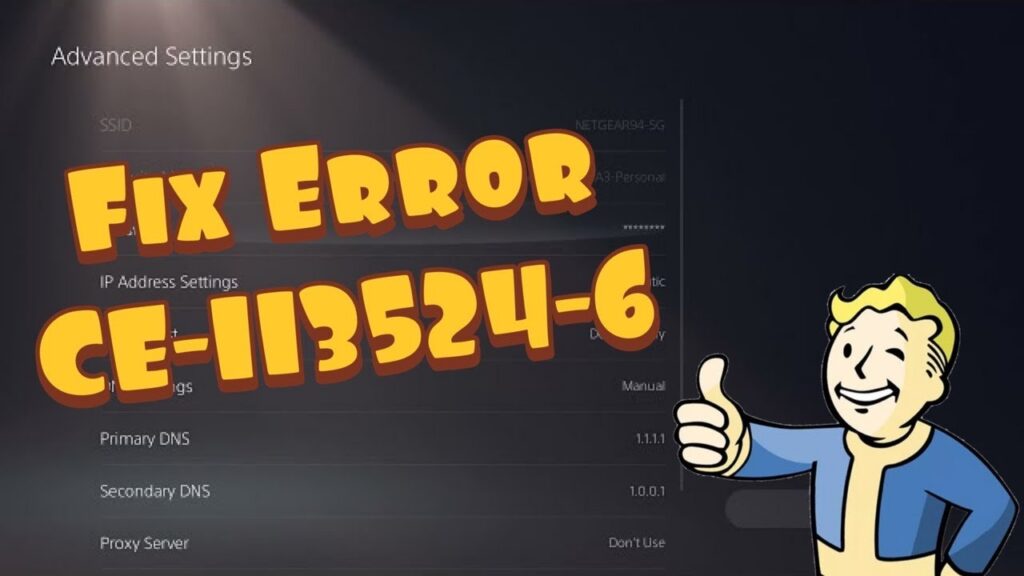
How to Fix PS5 Error CE-113524-6 (Unable to Connect)
•
Fix PS5 error CE-113524-6 by checking PSN, testing the connection, power-cycling network gear, and correcting DNS or connection settings. Read full guide →
-
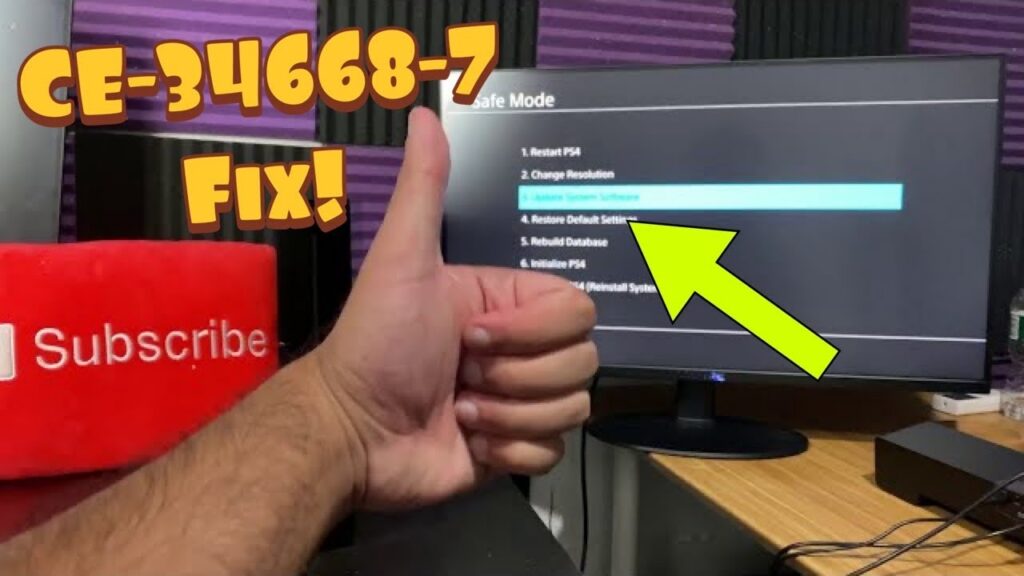
How to Fix PS4 Error CE-34668-7 Safely
•
Fix PS4 error CE-34668-7 with a restart, system software update, Safe Mode database rebuild, and carefully warned recovery options. Read full guide →
-
How to Fix PS4 Errors WS-45486-7 and WS-45480-1 When a Voucher Won’t Redeem
•
PS4 error WS-45486-7 usually appears while redeeming a voucher. Check the code, account region, activation, eligibility, and PlayStation service status safely. Read full guide →
-
How to Fix PS5 ‘A Software Error Occurred the Last Time’
•
If PS5 reports that a software error occurred the last time it was used, update the system, power cycle, and use non-destructive Safe Mode options first. Read full guide →
-
How to Fix Skate Friends Not Showing or Unable to Join
•
If friends are missing or joins fail in Skate, verify EA Friends, cross-play, privacy, version, and party settings, then refresh the social list safely. Read full guide →
-
How to Fix Battlefield REDSEC Lag and Low FPS on PS5
•
Separate Battlefield REDSEC network lag from low frame rate on PS5, then apply the right server, Ethernet, Wi-Fi, display, and game-setting checks. Read full guide →
-
How to Fix PS5 Error NW-102254-4
•
PS5 error NW-102254-4 means the console could not complete a network connection. Restart, retest, reconfigure the connection, and use wired Ethernet when possible. Read full guide →
-
How to Fix Xbox Error 0x00000000 or 0x00000201
•
Xbox update errors 0x00000000 and 0x00000201 usually need a network and console-update check. Use this non-destructive troubleshooting order before an offline update. Read full guide →
-
How to Fix Marvel Rivals Error Code 10 on PC
•
Marvel Rivals Error Code 10 can point to a connection or name-resolution problem. Check service status first, then reset the connection and test a reversible DNS change. Read full guide →
-
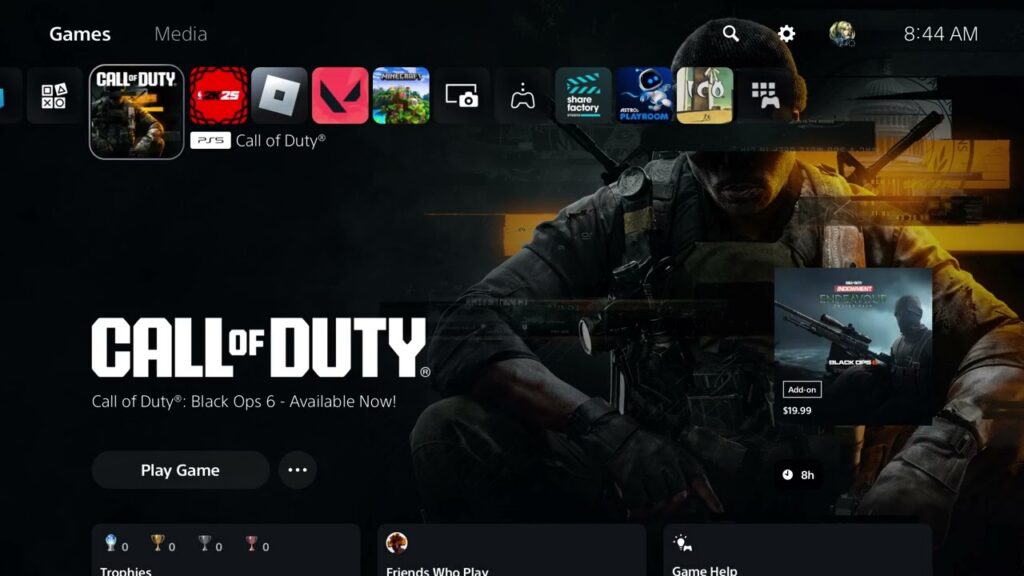
How to Fix Black Ops 6 Black Screen or Not Launching on PS5
•
Black Ops 6 showing a black screen or refusing to launch on PS5? Work through these safe update, license, cache, and reinstall checks in order. Read full guide →
Latest tutorials
Fresh fixes, walkthroughs, and gaming tech help.
-
How to Fix PS5 Error CE-113524-6 (Unable to Connect)
Fix PS5 error CE-113524-6 by checking PSN, testing the connection, power-cycling network gear, and correcting DNS or connection settings. Read more →
•
-
How to Fix PS4 Error CE-34668-7 Safely
Fix PS4 error CE-34668-7 with a restart, system software update, Safe Mode database rebuild, and carefully warned recovery options. Read more →
•
-
How to Fix PS4 Errors WS-45486-7 and WS-45480-1 When a Voucher Won’t Redeem
PS4 error WS-45486-7 usually appears while redeeming a voucher. Check the code, account region, activation, eligibility, and PlayStation service status… Read more →
•
-
How to Fix PS5 ‘A Software Error Occurred the Last Time’
If PS5 reports that a software error occurred the last time it was used, update the system, power cycle, and… Read more →
•
-
How to Fix Skate Friends Not Showing or Unable to Join
If friends are missing or joins fail in Skate, verify EA Friends, cross-play, privacy, version, and party settings, then refresh… Read more →
•
-
How to Fix Battlefield REDSEC Lag and Low FPS on PS5
Separate Battlefield REDSEC network lag from low frame rate on PS5, then apply the right server, Ethernet, Wi-Fi, display, and… Read more →
•
-
How to Fix PS5 Error NW-102254-4
PS5 error NW-102254-4 means the console could not complete a network connection. Restart, retest, reconfigure the connection, and use wired… Read more →
•
-
How to Fix Xbox Error 0x00000000 or 0x00000201
Xbox update errors 0x00000000 and 0x00000201 usually need a network and console-update check. Use this non-destructive troubleshooting order before an… Read more →
•
-
How to Fix Marvel Rivals Error Code 10 on PC
Marvel Rivals Error Code 10 can point to a connection or name-resolution problem. Check service status first, then reset the… Read more →
•
-
How to Fix Black Ops 6 Black Screen or Not Launching on PS5
Black Ops 6 showing a black screen or refusing to launch on PS5? Work through these safe update, license, cache,… Read more →
•