Tutorial archive
Gaming fixes, walkthroughs, and troubleshooting guides
Browse practical tutorials for PC, console, and game-specific issues, with clear steps and video-backed help for solving problems fast.
Inside Tutorials
- PC gaming fixes
- Console troubleshooting
- Error code solutions
- Game-specific how-to guides
Featured post
-
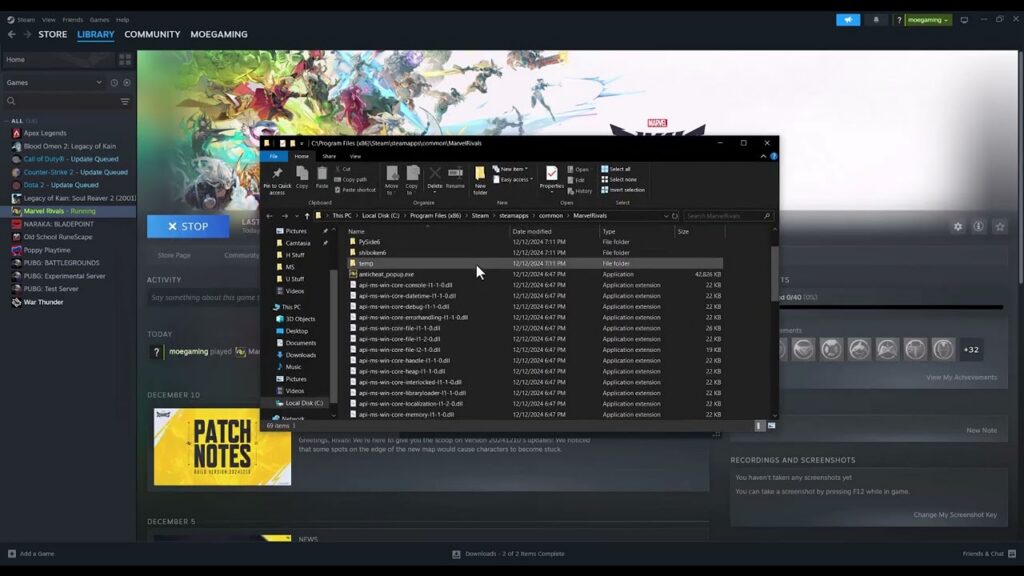
How to Fix Marvel Rivals Not Launching on Steam
•
Fix Marvel Rivals not launching on Steam by verifying files, removing launch conflicts, checking DirectX 12 support and drivers, and reinstalling only as a last resort. Read full guide →
-
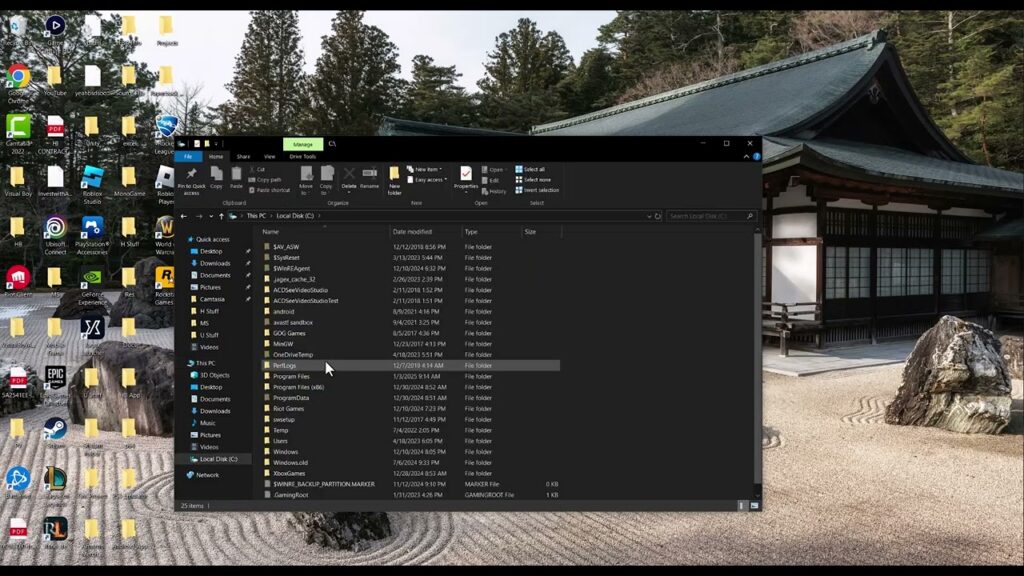
How to Fix Rockstar Games Error 1002 in GTA V
•
Fix Rockstar Games error 1002 by repairing the Windows Documents folder path used by the launcher without deleting OneDrive or risking saved files. Read full guide →
-
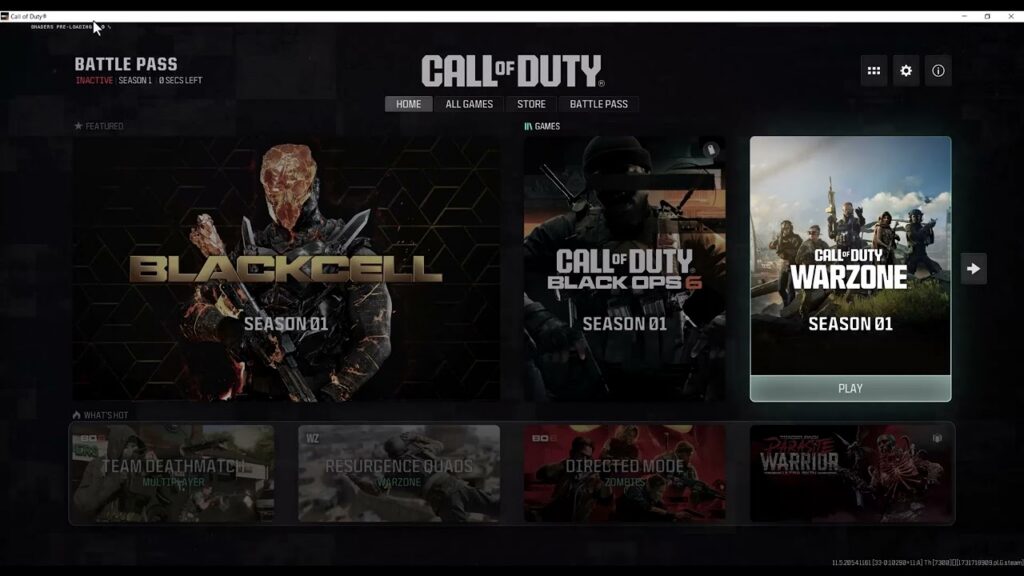
How to Fix Black Ops 6 Shaders Stuck Preloading on PC
•
Fix Black Ops 6 shaders stuck preloading by staying on the main menu, restarting the process cleanly, verifying game files, and checking the current graphics driver. Read full guide →
-
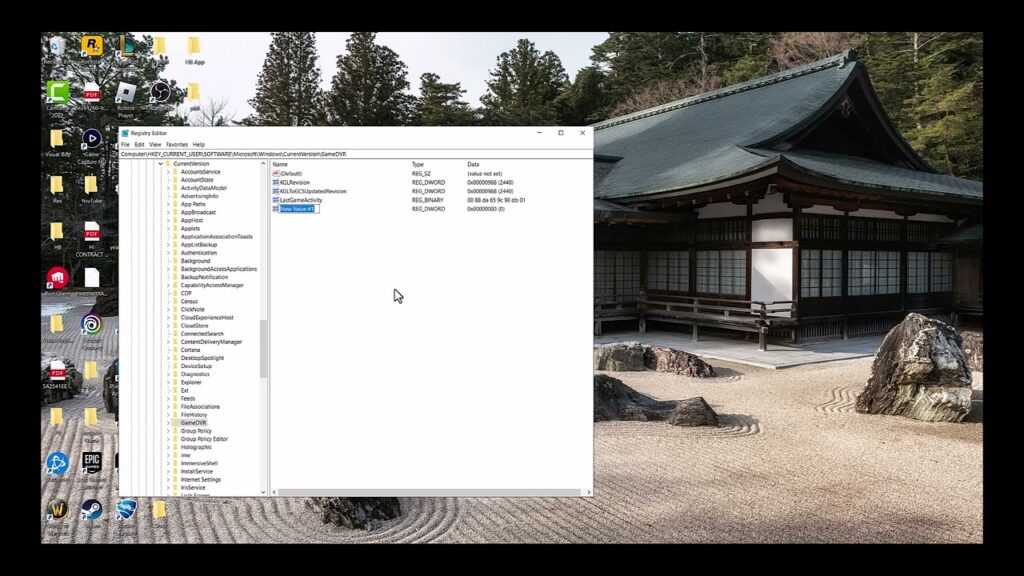
How to Stop the ‘ms-gaming-overlay’ Popup in Windows
•
Stop the ms-gaming-overlay popup by repairing Xbox Game Bar first, then using a reversible GameDVR registry change only when the normal Windows fix fails. Read full guide →
-
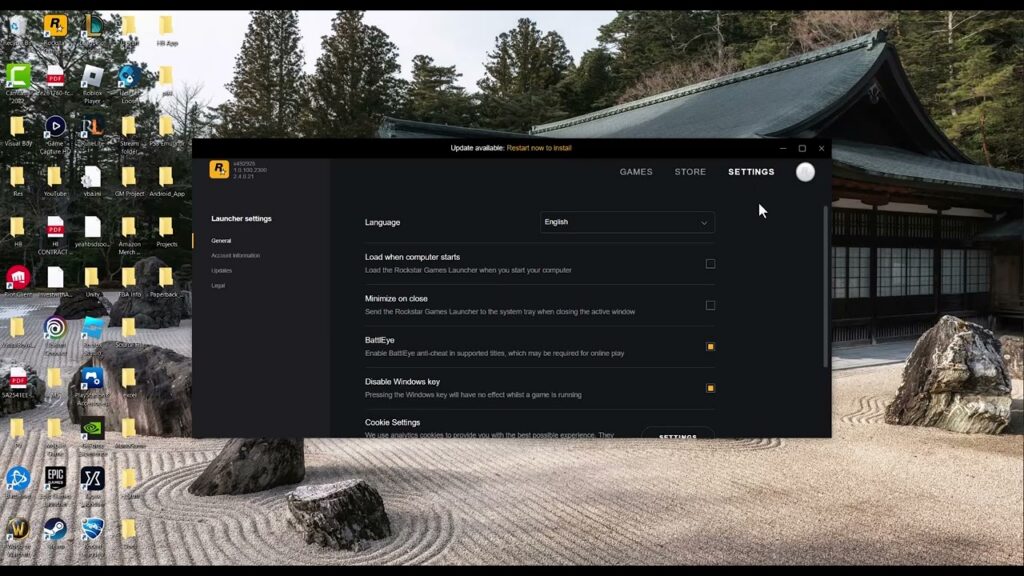
How to Fix GTA V ‘Blocked Loading of File’ DLL Errors
•
Fix GTA V BattlEye blocked-file errors safely by updating the launcher, separating Story Mode from GTA Online, and removing mod loaders without downloading random DLLs. Read full guide →
-
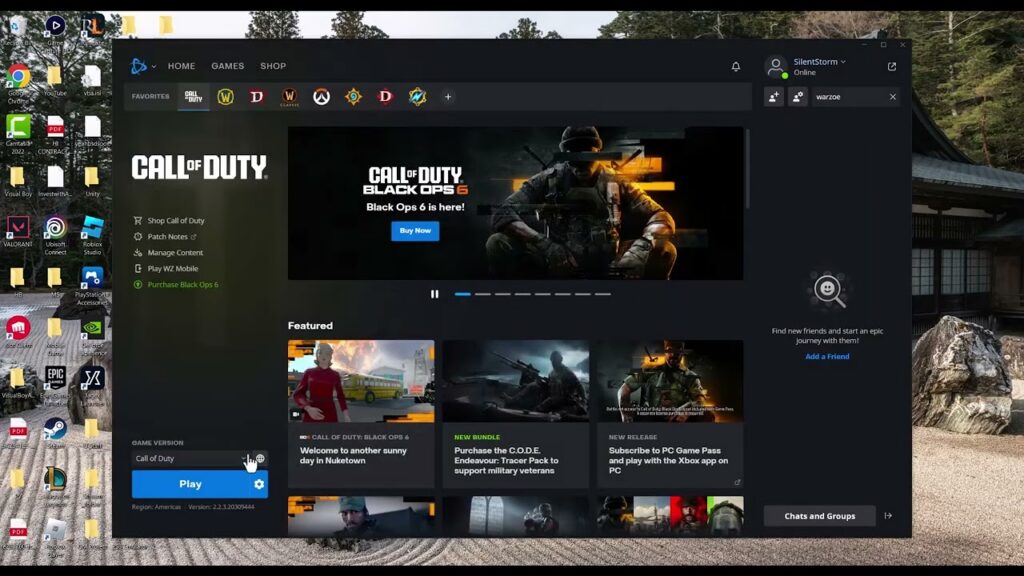
How to Fix Black Ops 6 Crashing on Battle.net
•
Stop Black Ops 6 crashes on Battle.net by scanning the installation, completing updates and shader loading, and removing common software conflicts before reinstalling. Read full guide →
-
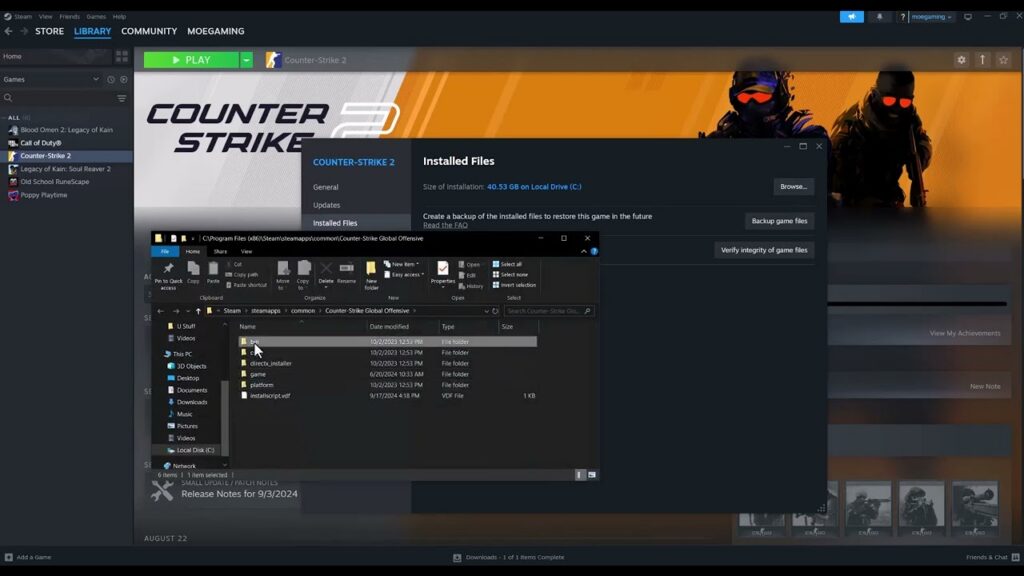
How to Fix Counter-Strike 2 ‘Invalid Signature’ Errors
•
Fix Counter-Strike 2 invalid or missing signature errors by verifying the game files first, then checking launch settings and security software without weakening Windows security. Read full guide →
-
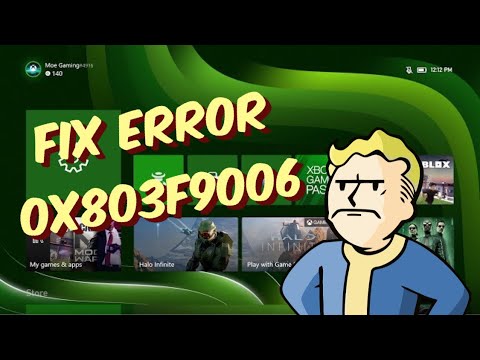
Xbox Error 0x803F9006: Sign In With the Owner and Check Home Xbox
•
Xbox 0x803F9006 can accompany a game-owner sign-in prompt. Check service status, sign in with the purchasing account, and verify the owner’s Home Xbox setting. Read full guide →
-
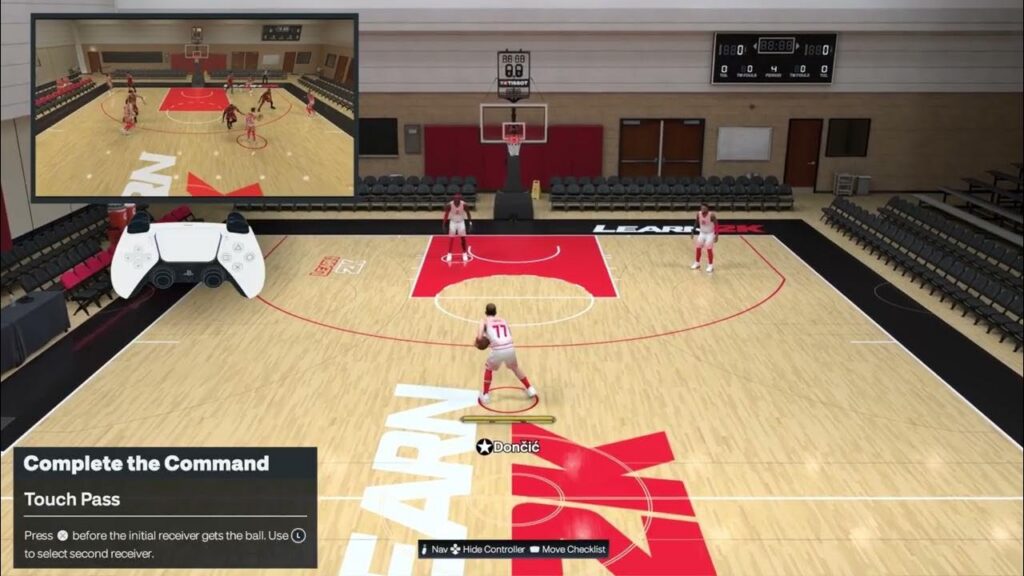
NBA 2K27 Touch Pass and Self Alley-Oop on PS5: Timing & Controls
•
Learn the touch-pass X-before-catch timing in NBA 2K27 on PS5, plus a video-derived self alley-oop attempt and its limitations. Read full guide →
-
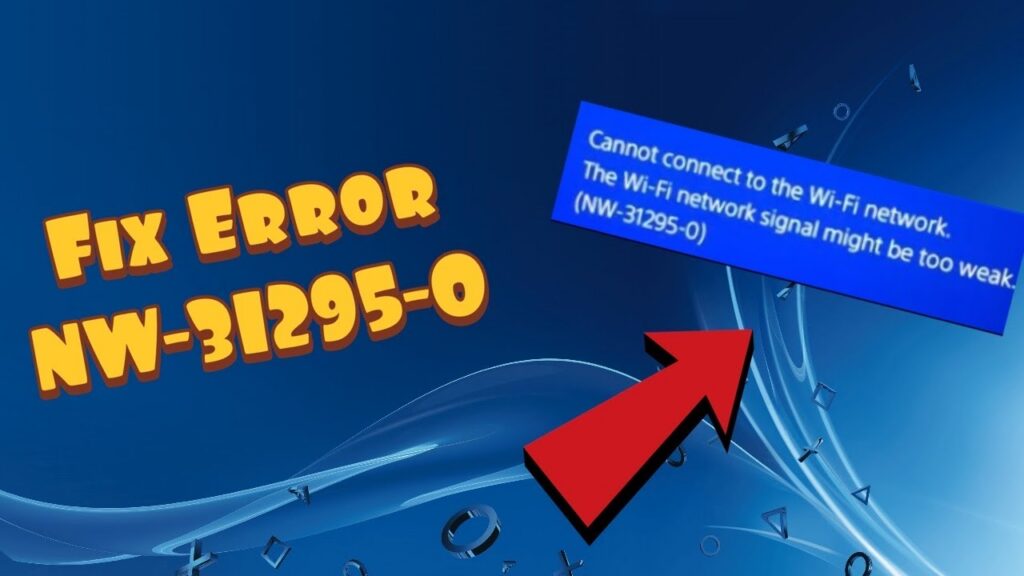
PS4 Error NW-31295-0: Fix Weak Wi-Fi Signal and Reconnect
•
NW-31295-0 means PS4 cannot connect to Wi-Fi, often because the signal is weak. Use Sony’s network test, router restart, and placement checks first. Read full guide →
Latest tutorials
Fresh fixes, walkthroughs, and gaming tech help.
-
How to Fix Marvel Rivals Not Launching on Steam
Fix Marvel Rivals not launching on Steam by verifying files, removing launch conflicts, checking DirectX 12 support and drivers, and… Read more →
•
-
How to Fix Rockstar Games Error 1002 in GTA V
Fix Rockstar Games error 1002 by repairing the Windows Documents folder path used by the launcher without deleting OneDrive or… Read more →
•
-
How to Fix Black Ops 6 Shaders Stuck Preloading on PC
Fix Black Ops 6 shaders stuck preloading by staying on the main menu, restarting the process cleanly, verifying game files,… Read more →
•
-
How to Stop the ‘ms-gaming-overlay’ Popup in Windows
Stop the ms-gaming-overlay popup by repairing Xbox Game Bar first, then using a reversible GameDVR registry change only when the… Read more →
•
-
How to Fix GTA V ‘Blocked Loading of File’ DLL Errors
Fix GTA V BattlEye blocked-file errors safely by updating the launcher, separating Story Mode from GTA Online, and removing mod… Read more →
•
-
How to Fix Black Ops 6 Crashing on Battle.net
Stop Black Ops 6 crashes on Battle.net by scanning the installation, completing updates and shader loading, and removing common software… Read more →
•
-
How to Fix Counter-Strike 2 ‘Invalid Signature’ Errors
Fix Counter-Strike 2 invalid or missing signature errors by verifying the game files first, then checking launch settings and security… Read more →
•
-
Xbox Error 0x803F9006: Sign In With the Owner and Check Home Xbox
Xbox 0x803F9006 can accompany a game-owner sign-in prompt. Check service status, sign in with the purchasing account, and verify the… Read more →
•
-
NBA 2K27 Touch Pass and Self Alley-Oop on PS5: Timing & Controls
Learn the touch-pass X-before-catch timing in NBA 2K27 on PS5, plus a video-derived self alley-oop attempt and its limitations. Read more →
•
-
PS4 Error NW-31295-0: Fix Weak Wi-Fi Signal and Reconnect
NW-31295-0 means PS4 cannot connect to Wi-Fi, often because the signal is weak. Use Sony’s network test, router restart, and… Read more →
•