Tutorial archive
Gaming fixes, walkthroughs, and troubleshooting guides
Browse practical tutorials for PC, console, and game-specific issues, with clear steps and video-backed help for solving problems fast.
Inside Tutorials
- PC gaming fixes
- Console troubleshooting
- Error code solutions
- Game-specific how-to guides
Featured post
-
How to Fix PS4 Error CE-41839-5 in Games and Apps
•
Fix PS4 error CE-41839-5 by updating the console, power-cycling, restoring licenses, reinstalling the affected game, or rebuilding the database. Read full guide →
-
How to Fix PS4 Error WS-43689-0 (Payment Failed)
•
Fix PS4 error WS-43689-0 by checking PlayStation Store status, correcting card details, using another payment method, and avoiding rapid retries. Read full guide →
-
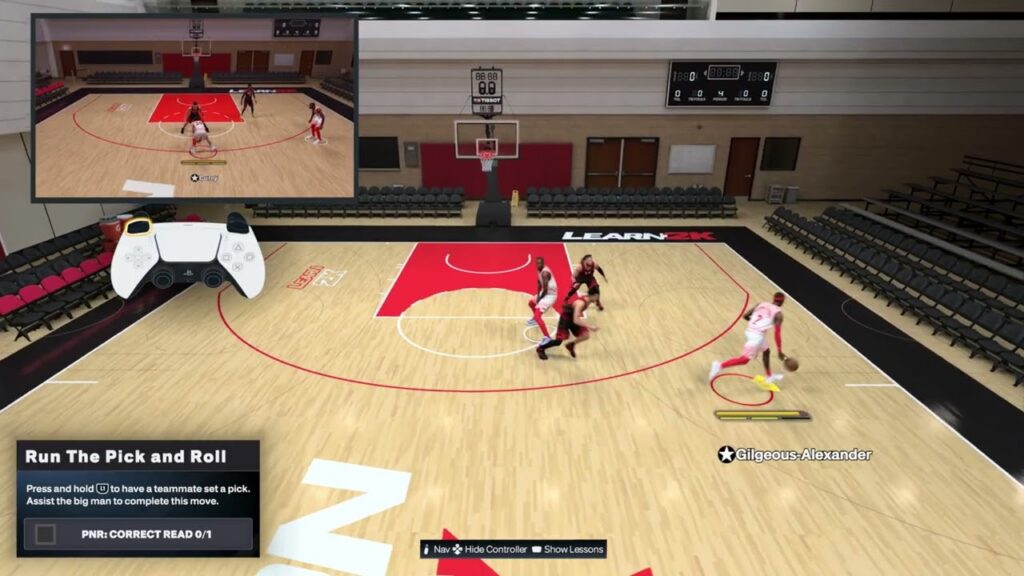
NBA 2K27 Screens & Pick-and-Roll Controls on PS5
•
Learn NBA 2K27 screen and pick-and-roll controls on PS5: call, flip, slip and fade screens, attack drop coverage, get open and switch matchups. Read full guide →
-
How to Fix PS4 Error WS-43709-3 (Credit Card Expired)
•
Fix PS4 error WS-43709-3 by checking the card expiration date and updating the saved payment method with accurate current billing details. Read full guide →
-
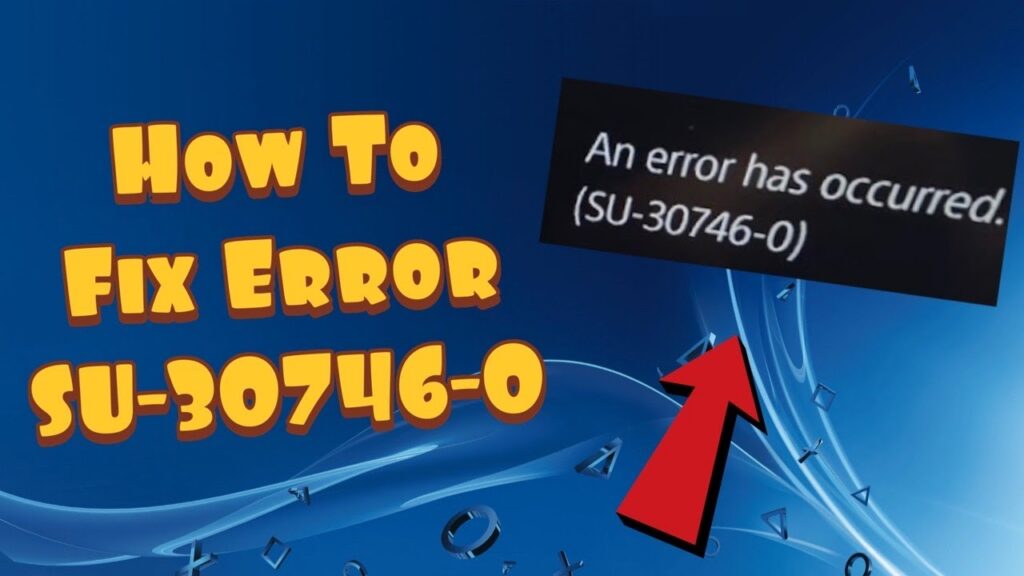
How to Fix PS4 Error SU-30746-0 (System Update Failed)
•
Fix PS4 error SU-30746-0 by restarting, deleting the failed update notification, using wired internet, or installing the official update by USB. Read full guide →
-
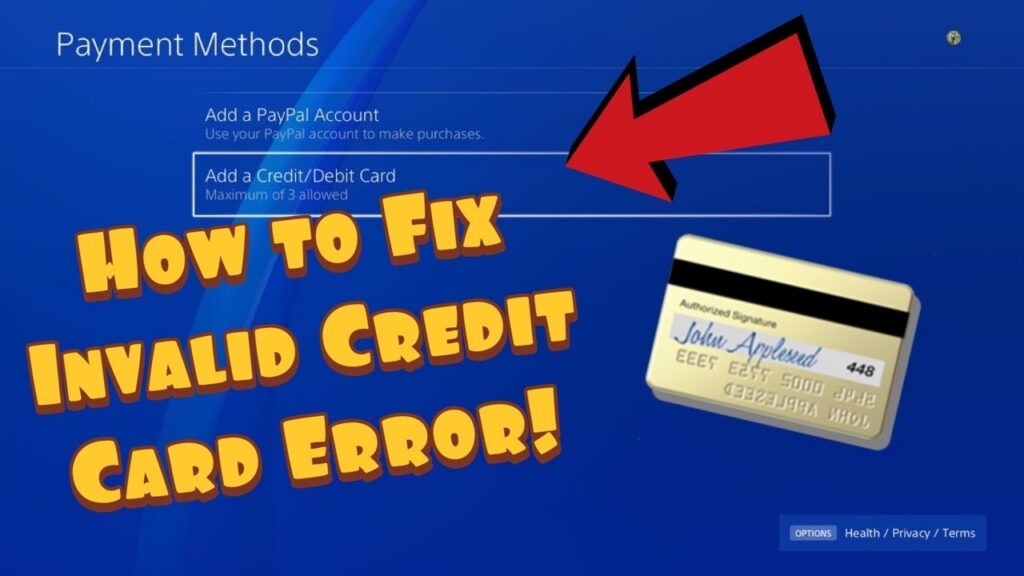
How to Fix PS4 Error WC-34737-4 (Invalid Payment Details)
•
Fix PS4 error WC-34737-4 by checking billing details, removing and re-adding the payment method, trying another method, or waiting 24 hours. Read full guide →
-
How to Fix PS5 Error WS-119699-5 When Creating an Account
•
Fix PS5 error WS-119699-5 during account creation by checking the email, restarting the PS5, refreshing the connection, and retrying safely. Read full guide →
-
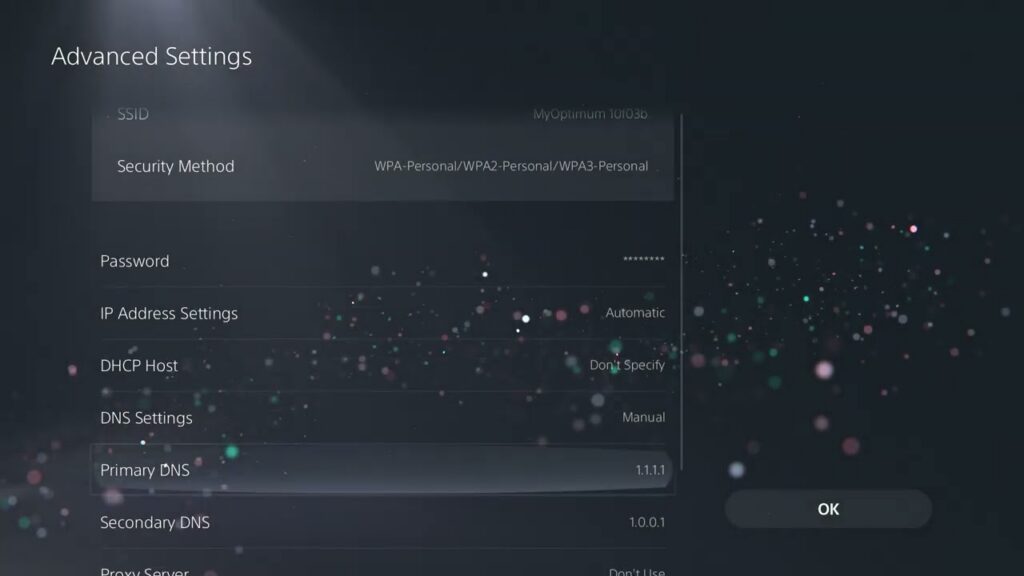
How to Fix PS5 Error NW-102636-8 (Connection Timed Out)
•
Fix PS5 error NW-102636-8 by checking the connection, restarting the router, improving Wi-Fi or using LAN, and checking PSN status. Read full guide →
-
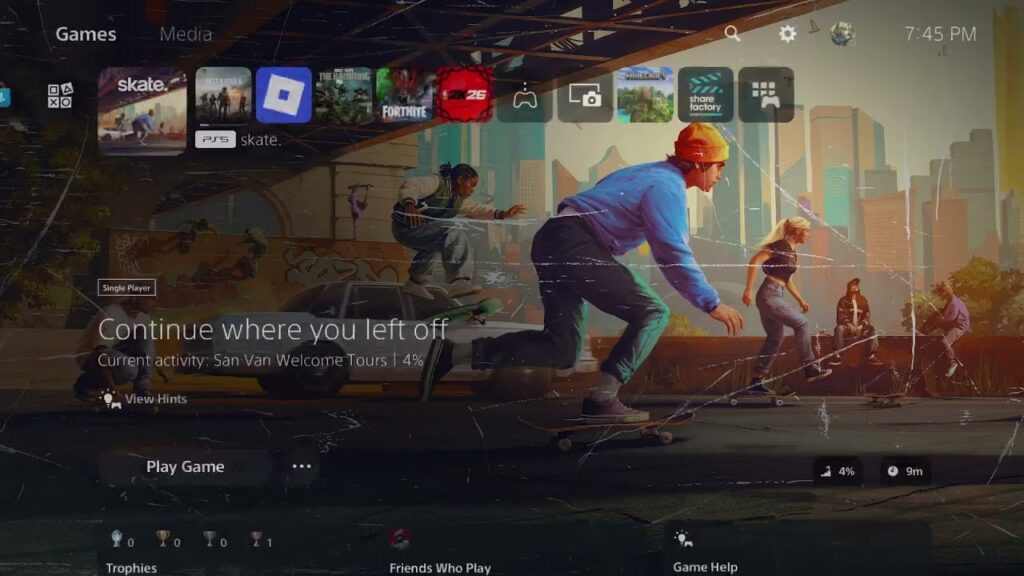
How to Fix Skate Connection Lost Error 1088922958 on PS5
•
Fix Skate connection lost error 1088922958 on PS5 by checking EA and PSN status, updating, refreshing the account session, and testing the network. Read full guide →
-
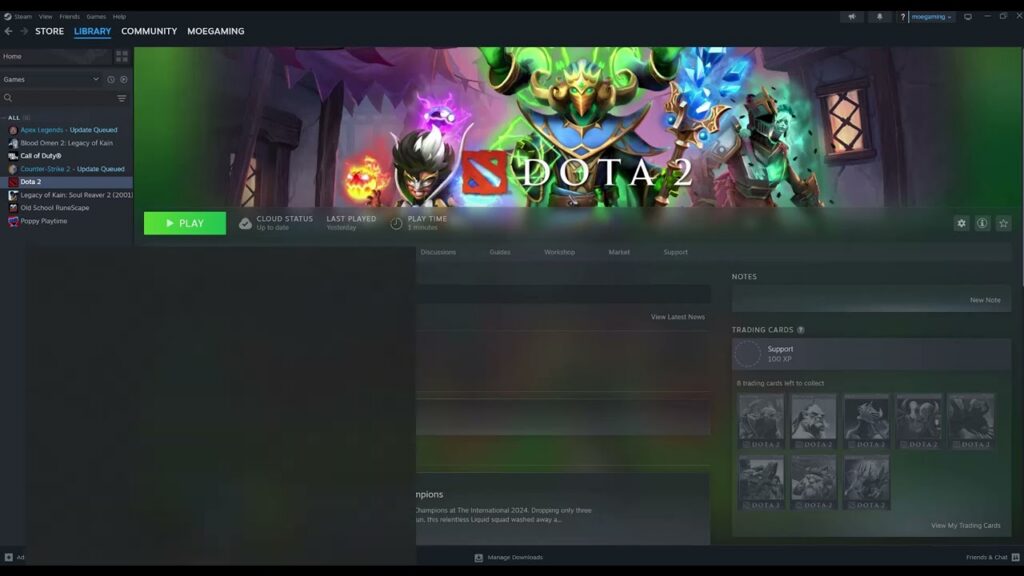
How to Fix Error 0xC0000005 Access Violation in PC Games
•
Fix game crashes with 0xC0000005 Access Violation by updating, verifying files, removing conflicts, testing stock hardware settings, and isolating Windows-wide faults. Read full guide →
Latest tutorials
Fresh fixes, walkthroughs, and gaming tech help.
-
How to Fix PS4 Error CE-41839-5 in Games and Apps
Fix PS4 error CE-41839-5 by updating the console, power-cycling, restoring licenses, reinstalling the affected game, or rebuilding the database. Read more →
•
-
How to Fix PS4 Error WS-43689-0 (Payment Failed)
Fix PS4 error WS-43689-0 by checking PlayStation Store status, correcting card details, using another payment method, and avoiding rapid retries. Read more →
•
-
NBA 2K27 Screens & Pick-and-Roll Controls on PS5
Learn NBA 2K27 screen and pick-and-roll controls on PS5: call, flip, slip and fade screens, attack drop coverage, get open… Read more →
•
-
How to Fix PS4 Error WS-43709-3 (Credit Card Expired)
Fix PS4 error WS-43709-3 by checking the card expiration date and updating the saved payment method with accurate current billing… Read more →
•
-
How to Fix PS4 Error SU-30746-0 (System Update Failed)
Fix PS4 error SU-30746-0 by restarting, deleting the failed update notification, using wired internet, or installing the official update by… Read more →
•
-
How to Fix PS4 Error WC-34737-4 (Invalid Payment Details)
Fix PS4 error WC-34737-4 by checking billing details, removing and re-adding the payment method, trying another method, or waiting 24… Read more →
•
-
How to Fix PS5 Error WS-119699-5 When Creating an Account
Fix PS5 error WS-119699-5 during account creation by checking the email, restarting the PS5, refreshing the connection, and retrying safely. Read more →
•
-
How to Fix PS5 Error NW-102636-8 (Connection Timed Out)
Fix PS5 error NW-102636-8 by checking the connection, restarting the router, improving Wi-Fi or using LAN, and checking PSN status. Read more →
•
-
How to Fix Skate Connection Lost Error 1088922958 on PS5
Fix Skate connection lost error 1088922958 on PS5 by checking EA and PSN status, updating, refreshing the account session, and… Read more →
•
-
How to Fix Error 0xC0000005 Access Violation in PC Games
Fix game crashes with 0xC0000005 Access Violation by updating, verifying files, removing conflicts, testing stock hardware settings, and isolating Windows-wide… Read more →
•