Tutorial archive
Gaming fixes, walkthroughs, and troubleshooting guides
Browse practical tutorials for PC, console, and game-specific issues, with clear steps and video-backed help for solving problems fast.
Inside Tutorials
- PC gaming fixes
- Console troubleshooting
- Error code solutions
- Game-specific how-to guides
Featured post
-
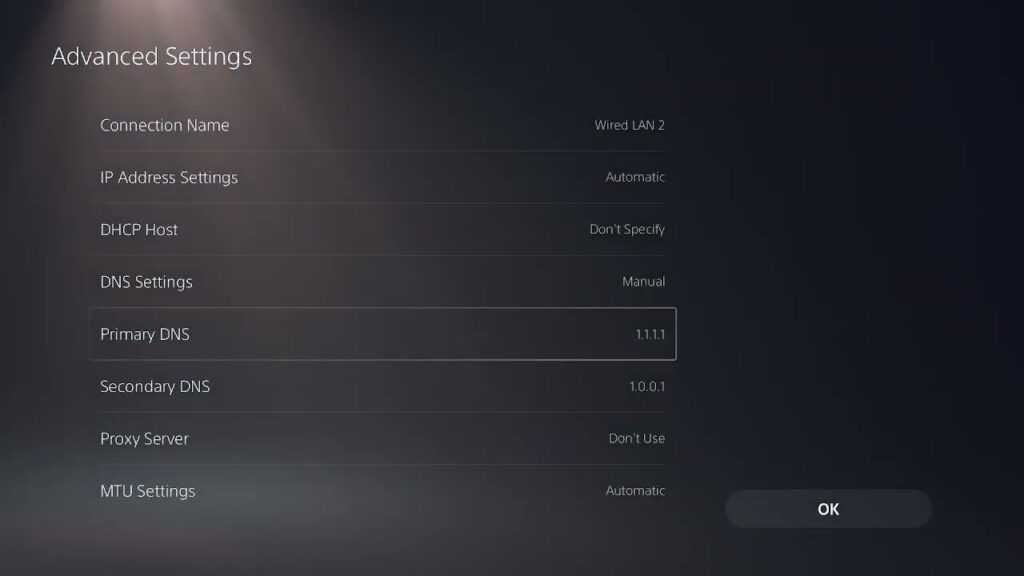
How to Fix Where Winds Meet Lag on PS5
•
Reduce Where Winds Meet network lag on PS5 by checking server conditions, restarting the connection, using wired or the right Wi-Fi band, and testing DNS safely. Read full guide →
-
How to Remove Black Ops 2 Season Pass DLC on PS5 (and Check Refund Eligibility)
•
Remove or reinstall Black Ops 2 Season Pass DLC on PS5, restore licenses, and check PlayStation Store refund eligibility without deleting saved data. Read full guide →
-
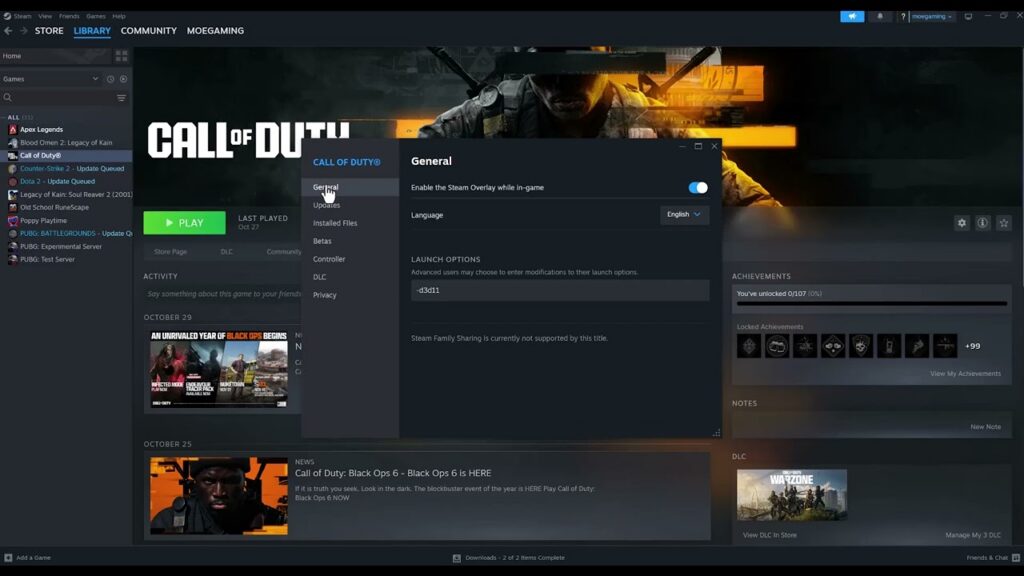
How to Fix Black Ops 6 Error 0x00001337 on PC
•
Fix Black Ops 6 error 0x00001337 on PC with supported file repair, updates, clean background-app testing, stock clock settings, and a clean reinstall. Read full guide →
-
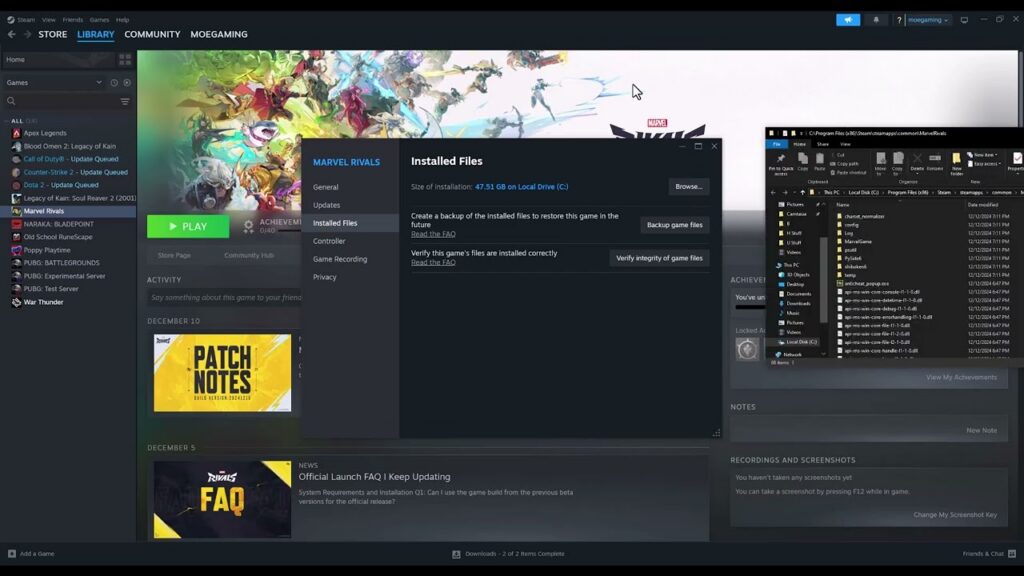
How to Fix Marvel Rivals Stuck at 99% Loading on PC
•
Fix Marvel Rivals getting stuck at 99% on PC by using an SSD, verifying game files, updating Windows and graphics drivers, and checking the current requirements. Read full guide →
-
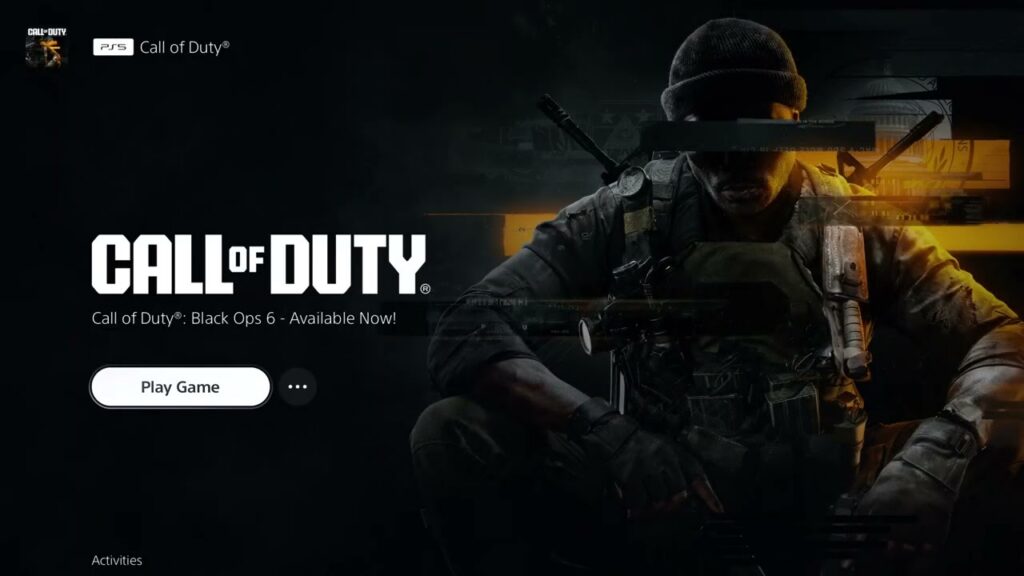
How to Fix Black Ops 6 or Warzone Not Installing on PS5/PS4
•
Fix Black Ops 6 or Warzone installation and missing-content problems on PS5 or PS4 with current license, library, content-pack, and reinstall steps. Read full guide →
-
How to Fix Black Ops 6 “Unable to Connect to Online Services”
•
Fix Black Ops 6 unable-to-connect errors by checking Activision status, restarting the network, testing wired play, and using DNS only when appropriate. Read full guide →
-
How to Fix Rainbow Six Siege “Synchronization Failed” on PC
•
Fix Rainbow Six Siege synchronization failed errors by restarting Ubisoft Connect, testing admin rights, repairing cloud sync, and verifying files. Read full guide →
-
How to Fix Black Ops 7 Crashing on PS5
•
Fix Black Ops 7 crashing on PS5 by updating the game and console, restoring the license, checking known issues, and rebuilding the database safely. Read full guide →
-
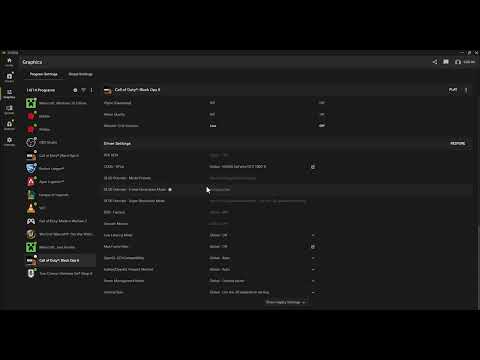
How to Fix Battlefield 6 “Insufficient VRAM” on PC
•
Fix Battlefield 6 insufficient VRAM warnings by confirming the 6GB minimum, selecting the discrete GPU, updating drivers, and lowering VRAM-heavy settings. Read full guide →
-
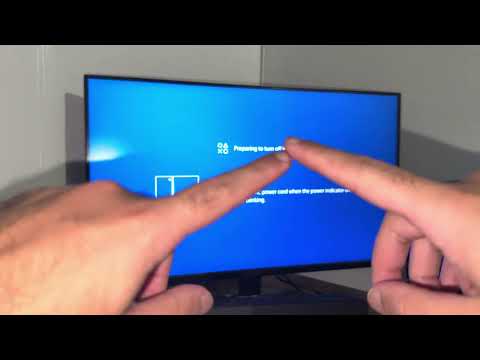
How to Fix PS4 Error CE-30005-8 (Cannot Start the Application)
•
Fix PS4 error CE-30005-8 by checking the disc or storage drive, rebuilding the database in Safe Mode, and avoiding unnecessary save deletion. Read full guide →
Latest tutorials
Fresh fixes, walkthroughs, and gaming tech help.
-
How to Fix Where Winds Meet Lag on PS5
Reduce Where Winds Meet network lag on PS5 by checking server conditions, restarting the connection, using wired or the right… Read more →
•
-
How to Remove Black Ops 2 Season Pass DLC on PS5 (and Check Refund Eligibility)
Remove or reinstall Black Ops 2 Season Pass DLC on PS5, restore licenses, and check PlayStation Store refund eligibility without… Read more →
•
-
How to Fix Black Ops 6 Error 0x00001337 on PC
Fix Black Ops 6 error 0x00001337 on PC with supported file repair, updates, clean background-app testing, stock clock settings, and… Read more →
•
-
How to Fix Marvel Rivals Stuck at 99% Loading on PC
Fix Marvel Rivals getting stuck at 99% on PC by using an SSD, verifying game files, updating Windows and graphics… Read more →
•
-
How to Fix Black Ops 6 or Warzone Not Installing on PS5/PS4
Fix Black Ops 6 or Warzone installation and missing-content problems on PS5 or PS4 with current license, library, content-pack, and… Read more →
•
-
How to Fix Black Ops 6 “Unable to Connect to Online Services”
Fix Black Ops 6 unable-to-connect errors by checking Activision status, restarting the network, testing wired play, and using DNS only… Read more →
•
-
How to Fix Rainbow Six Siege “Synchronization Failed” on PC
Fix Rainbow Six Siege synchronization failed errors by restarting Ubisoft Connect, testing admin rights, repairing cloud sync, and verifying files. Read more →
•
-
How to Fix Black Ops 7 Crashing on PS5
Fix Black Ops 7 crashing on PS5 by updating the game and console, restoring the license, checking known issues, and… Read more →
•
-
How to Fix Battlefield 6 “Insufficient VRAM” on PC
Fix Battlefield 6 insufficient VRAM warnings by confirming the 6GB minimum, selecting the discrete GPU, updating drivers, and lowering VRAM-heavy… Read more →
•
-
How to Fix PS4 Error CE-30005-8 (Cannot Start the Application)
Fix PS4 error CE-30005-8 by checking the disc or storage drive, rebuilding the database in Safe Mode, and avoiding unnecessary… Read more →
•