Tutorial archive
Gaming fixes, walkthroughs, and troubleshooting guides
Browse practical tutorials for PC, console, and game-specific issues, with clear steps and video-backed help for solving problems fast.
Inside Tutorials
- PC gaming fixes
- Console troubleshooting
- Error code solutions
- Game-specific how-to guides
Featured post
-
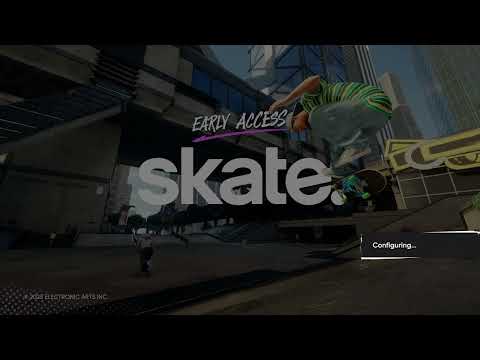
How to Fix Skate Connection Lost Error 4269825243
•
Troubleshoot Skate connection lost error 4269825243 with EA status checks, a clean restart, PS5 network testing, Wi-Fi band changes, and safe DNS testing. Read full guide →
-

How to Fix Xbox App Error 0x803F8001 on Windows
•
Fix Xbox app or Game Pass error 0x803F8001 on Windows by checking account ownership, syncing time, updating Microsoft Store components, and repairing the app. Read full guide →
-
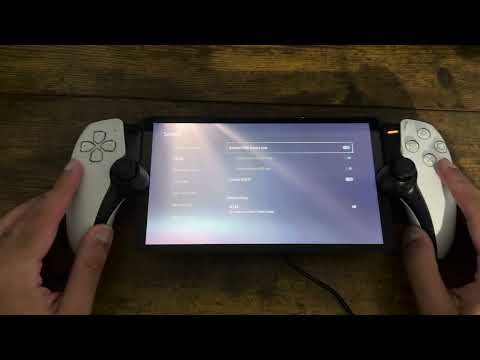
How to Fix PlayStation Portal Input Lag and Latency
•
Reduce PlayStation Portal input lag with Sony-supported network checks, a wired PS5 connection, 5 GHz Wi-Fi, and practical Remote Play troubleshooting. Read full guide →
-
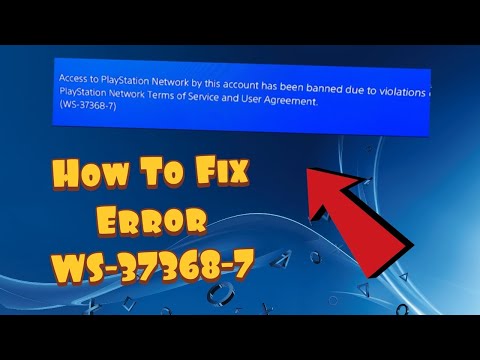
PS4 Error WS-37368-7: Chargeback Suspension
•
PS4 error WS-37368-7 means PlayStation suspended the account after a chargeback. Check account status and use the official debt-restoration form. Read full guide →
-
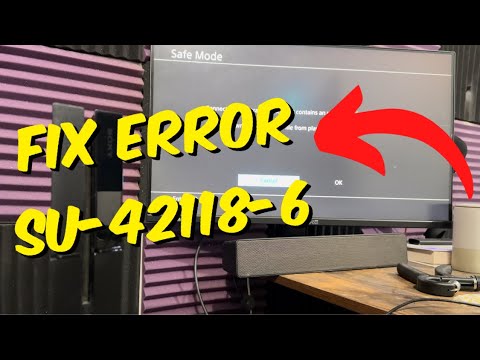
How to Fix PS4 Error SU-42118-6
•
Fix PS4 error SU-42118-6 by power-cycling the network and console, deleting the failed update notification, and updating again or by USB. Read full guide →
-
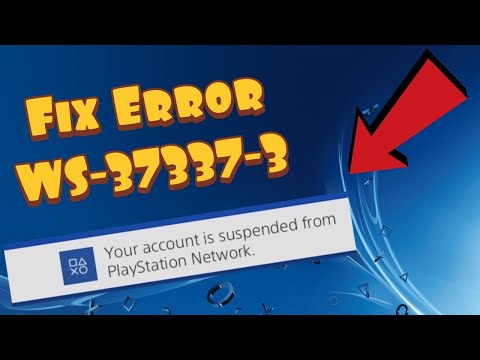
PS4 Error WS-37337-3: Temporary PSN Suspension
•
PS4 error WS-37337-3 means a temporary PlayStation suspension. Check the registered email and My Support for the reason and duration. Read full guide →
-
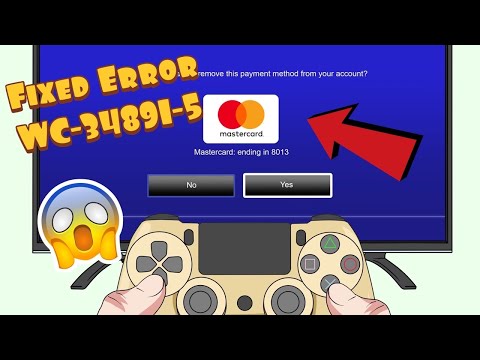
How to Fix PS4 Error WC-34891-5 (Invalid Card)
•
Fix PS4 error WC-34891-5 by matching cardholder and billing details exactly, checking region support, and using a supported payment method. Read full guide →
-
How to Fix PS5 Error CE-117773-6
•
Fix PS5 error CE-117773-6 by testing the connection, confirming PSN sign-in and PS Plus status, updating system software, and checking outages. Read full guide →
-
How to Fix PS4 Error CE-32930-7 (Corrupted Download)
•
Fix PS4 error CE-32930-7 by deleting the corrupted downloaded content and downloading a clean copy without deleting your saved progress. Read full guide →
-
How to Fix PS5 Error CE-107891-6 (Content Not Installing)
•
Fix PS5 error CE-107891-6 by safely removing the affected game or app and installing a clean copy, with save-data and storage precautions. Read full guide →
Latest tutorials
Fresh fixes, walkthroughs, and gaming tech help.
-
How to Fix Skate Connection Lost Error 4269825243
Troubleshoot Skate connection lost error 4269825243 with EA status checks, a clean restart, PS5 network testing, Wi-Fi band changes, and… Read more →
•
-
How to Fix Xbox App Error 0x803F8001 on Windows
Fix Xbox app or Game Pass error 0x803F8001 on Windows by checking account ownership, syncing time, updating Microsoft Store components,… Read more →
•
-
How to Fix PlayStation Portal Input Lag and Latency
Reduce PlayStation Portal input lag with Sony-supported network checks, a wired PS5 connection, 5 GHz Wi-Fi, and practical Remote Play… Read more →
•
-
PS4 Error WS-37368-7: Chargeback Suspension
PS4 error WS-37368-7 means PlayStation suspended the account after a chargeback. Check account status and use the official debt-restoration form. Read more →
•
-
How to Fix PS4 Error SU-42118-6
Fix PS4 error SU-42118-6 by power-cycling the network and console, deleting the failed update notification, and updating again or by… Read more →
•
-
PS4 Error WS-37337-3: Temporary PSN Suspension
PS4 error WS-37337-3 means a temporary PlayStation suspension. Check the registered email and My Support for the reason and duration. Read more →
•
-
How to Fix PS4 Error WC-34891-5 (Invalid Card)
Fix PS4 error WC-34891-5 by matching cardholder and billing details exactly, checking region support, and using a supported payment method. Read more →
•
-
How to Fix PS5 Error CE-117773-6
Fix PS5 error CE-117773-6 by testing the connection, confirming PSN sign-in and PS Plus status, updating system software, and checking… Read more →
•
-
How to Fix PS4 Error CE-32930-7 (Corrupted Download)
Fix PS4 error CE-32930-7 by deleting the corrupted downloaded content and downloading a clean copy without deleting your saved progress. Read more →
•
-
How to Fix PS5 Error CE-107891-6 (Content Not Installing)
Fix PS5 error CE-107891-6 by safely removing the affected game or app and installing a clean copy, with save-data and… Read more →
•