Tutorial archive
Gaming fixes, walkthroughs, and troubleshooting guides
Browse practical tutorials for PC, console, and game-specific issues, with clear steps and video-backed help for solving problems fast.
Inside Tutorials
- PC gaming fixes
- Console troubleshooting
- Error code solutions
- Game-specific how-to guides
Featured post
-
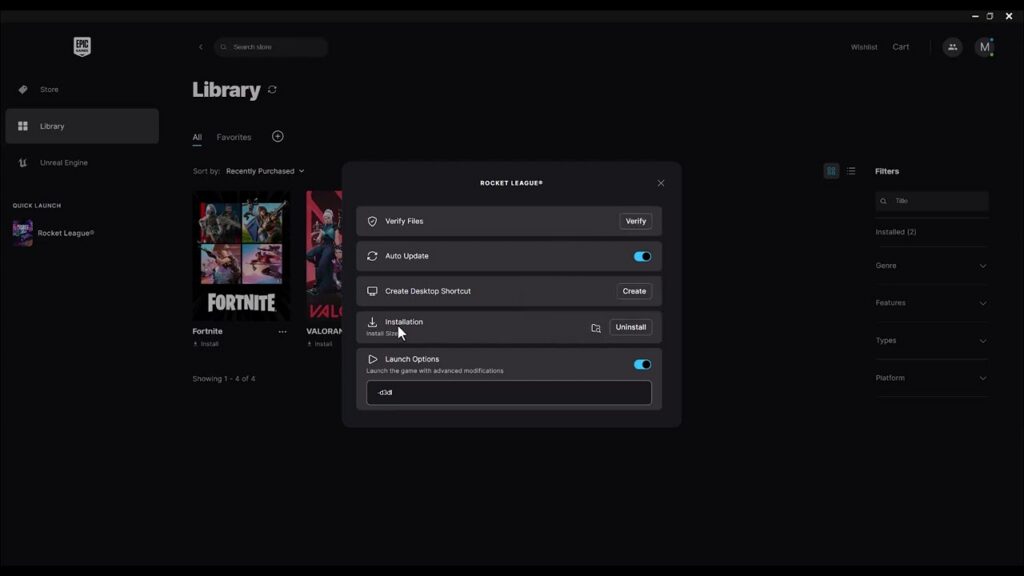
How to Fix GTA 5 Not Launching in Epic Games Launcher
•
Fix GTA 5 launch failures in Epic Games Launcher by closing both launchers, verifying files, updating Rockstar Games Launcher, and removing unsupported flags or mods. Read full guide →
-

How to Fix Xbox App Games Not Downloading or Installing
•
Fix Xbox app downloads on Windows with Store cache reset, app repair, safe reset warnings, updates, storage checks, and DNS-cache troubleshooting. Read full guide →
-
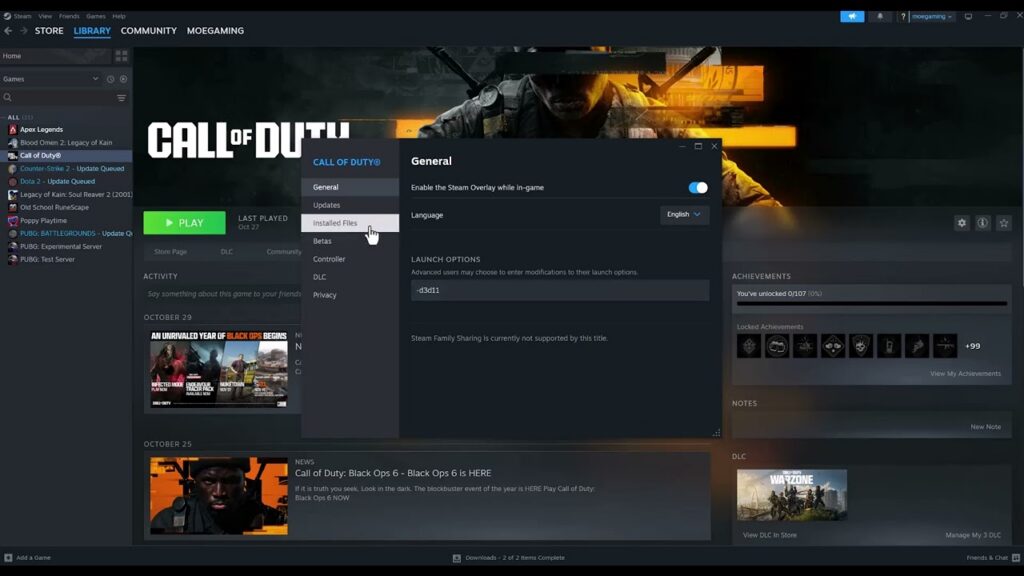
How to Fix Black Ops 6 Crashing on Steam
•
Stop Black Ops 6 crashes on Steam by verifying game files, updating supported GPU drivers, closing conflicting overlays, and removing unverified launch options. Read full guide →
-
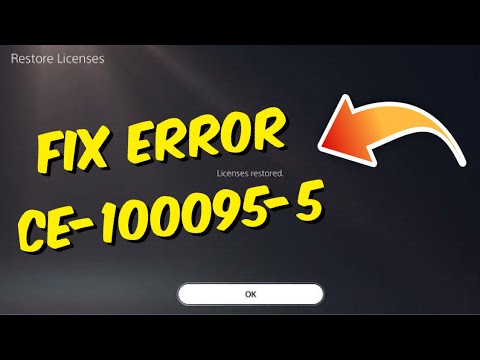
How to Fix PS5 Error CE-100095-5
•
Fix PS5 error CE-100095-5 safely by updating, reinstalling the affected game, restoring licenses, and using cache or database repair before touching saved data. Read full guide →
-
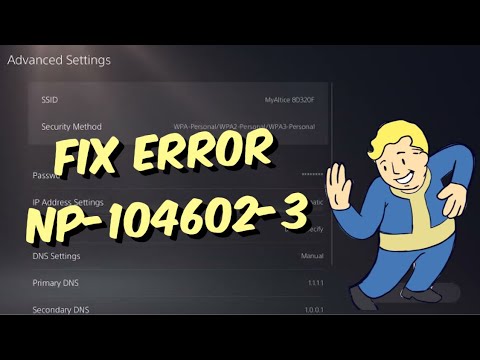
How to Fix PS5 Error NP-104602-3
•
Fix PS5 error NP-104602-3 by checking PSN, reconnecting the console, testing the correct Wi-Fi band or Ethernet, and using alternate DNS only as a diagnostic. Read full guide →
-
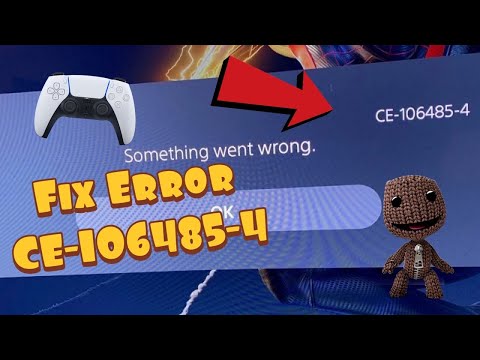
How to Fix PS5 Error CE-106485-4
•
Fix PS5 error CE-106485-4 by updating system software, retrying the copy or install, checking the disc, clearing cache, and rebuilding the database. Read full guide →
-
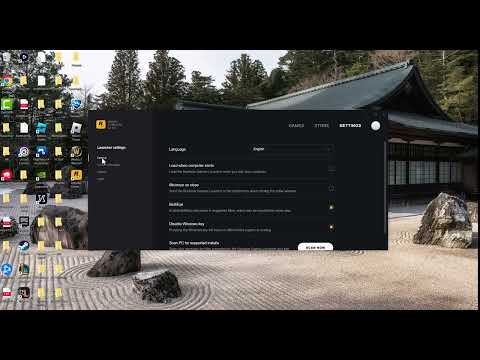
Fix GTA 5 BattlEye Error 0xc000009a (Story Mode Workaround)
•
Use this clearly labeled Story Mode-only workaround for GTA 5 BattlEye error 0xc000009a, then re-enable and repair BattlEye before playing GTA Online. Read full guide →
-
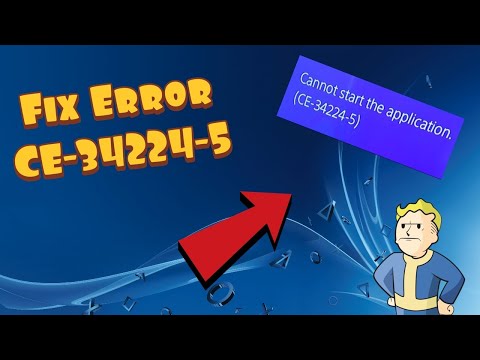
How to Fix PS4 Error CE-34224-5
•
Fix PS4 system error CE-34224-5 safely: back up data, initialize the console only when necessary, restore the backup, and inspect a replaced hard drive. Read full guide →
-
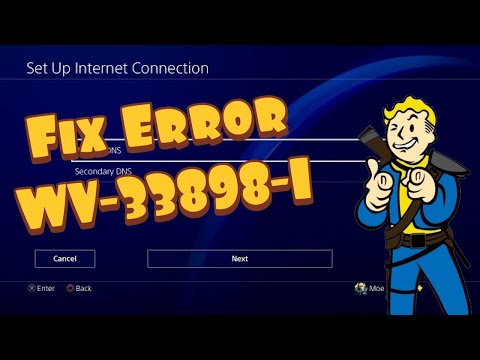
How to Fix PS4 Error WV-33898-1
•
Fix PS4 error WV-33898-1 by checking the browser URL, restarting the console and router, testing the connection, and checking PlayStation service status. Read full guide →
-
How to Fix PS5 Error CE-120706-6
•
Fix PS5 error CE-120706-6 when a game update stops installing: restore licenses, restart, rebuild the database, and reinstall only as a last step. Read full guide →
Latest tutorials
Fresh fixes, walkthroughs, and gaming tech help.
-
How to Fix GTA 5 Not Launching in Epic Games Launcher
Fix GTA 5 launch failures in Epic Games Launcher by closing both launchers, verifying files, updating Rockstar Games Launcher, and… Read more →
•
-
How to Fix Xbox App Games Not Downloading or Installing
Fix Xbox app downloads on Windows with Store cache reset, app repair, safe reset warnings, updates, storage checks, and DNS-cache… Read more →
•
-
How to Fix Black Ops 6 Crashing on Steam
Stop Black Ops 6 crashes on Steam by verifying game files, updating supported GPU drivers, closing conflicting overlays, and removing… Read more →
•
-
How to Fix PS5 Error CE-100095-5
Fix PS5 error CE-100095-5 safely by updating, reinstalling the affected game, restoring licenses, and using cache or database repair before… Read more →
•
-
How to Fix PS5 Error NP-104602-3
Fix PS5 error NP-104602-3 by checking PSN, reconnecting the console, testing the correct Wi-Fi band or Ethernet, and using alternate… Read more →
•
-
How to Fix PS5 Error CE-106485-4
Fix PS5 error CE-106485-4 by updating system software, retrying the copy or install, checking the disc, clearing cache, and rebuilding… Read more →
•
-
Fix GTA 5 BattlEye Error 0xc000009a (Story Mode Workaround)
Use this clearly labeled Story Mode-only workaround for GTA 5 BattlEye error 0xc000009a, then re-enable and repair BattlEye before playing… Read more →
•
-
How to Fix PS4 Error CE-34224-5
Fix PS4 system error CE-34224-5 safely: back up data, initialize the console only when necessary, restore the backup, and inspect… Read more →
•
-
How to Fix PS4 Error WV-33898-1
Fix PS4 error WV-33898-1 by checking the browser URL, restarting the console and router, testing the connection, and checking PlayStation… Read more →
•
-
How to Fix PS5 Error CE-120706-6
Fix PS5 error CE-120706-6 when a game update stops installing: restore licenses, restart, rebuild the database, and reinstall only as… Read more →
•