Quick answer: If Rainbow Six Siege or another Ubisoft game says it is linked to a different account, stop creating new accounts. Sign in to Ubisoft Account Management with the account that originally activated the game, verify the linked platform, and contact Ubisoft Support if the platform is attached to an account you cannot access.
Before you start
- Know which Steam, PlayStation, Xbox, or Epic account owns the game.
- Gather the email addresses you may have used with Ubisoft.
- Do not unlink an account until you understand the entitlement and progression warning.
How to fix a game linked to a different Ubisoft account
- Close the game and Ubisoft Connect. This prevents another login attempt from caching the wrong account.
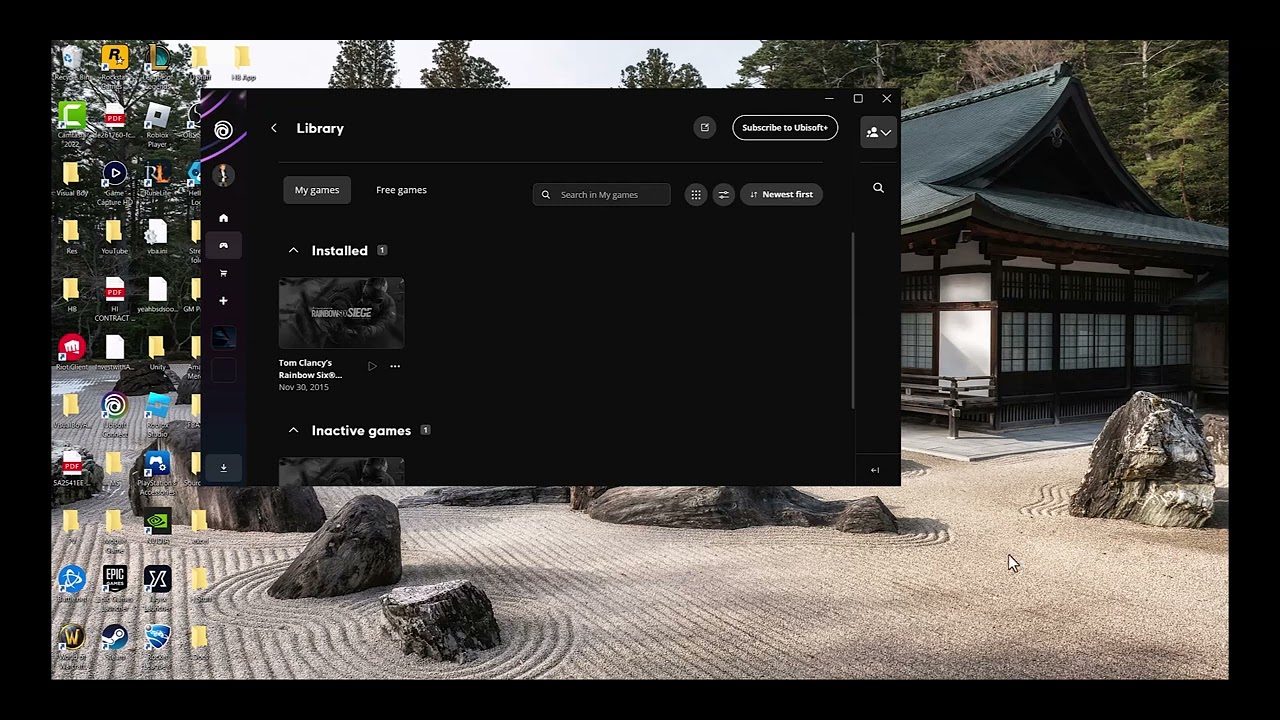
- Open Ubisoft Account Management. Visit account.ubisoft.com in a private browser window and sign in with the Ubisoft account you believe originally launched the game.
- Check Linked accounts. Confirm that the correct Steam, PlayStation Network, Xbox, or Epic account appears. Compare the visible platform username, not just the email address.
- Try your other known Ubisoft account. Sign out and repeat the check with any older Ubisoft email you legitimately own. Do not create another account—the license usually remains tied to the first Ubisoft account used.
- Sign in to Ubisoft Connect with the matching account. Restart Ubisoft Connect, sign out, then sign back in with the account whose linked-platform details match the game owner.
- Use Ubisoft account recovery if needed. Reset the password for the original email or open a Ubisoft Support case. Include the platform username and purchase receipt, but never post receipts or account details publicly.
Why this works
Ubisoft games can associate a platform license and cross-progression data with one Ubisoft account. Signing into a different Ubisoft profile does not move that license; it produces the linked-account message instead. Identifying the original account restores the expected ownership link without modifying game files.
Alternatives
- On Steam or Epic, verify that the store client is logged into the account that purchased the game.
- Use Ubisoft’s password-reset flow for an old email before requesting a link change.
- If an unknown account appears, secure the platform account and contact Ubisoft Support.
Warnings
Unlinking is not a guaranteed transfer. Ubisoft may restrict which account a platform can be relinked to, and progression, rewards, or entitlements may remain with the original Ubisoft account. Do not buy the game again until Support confirms the ownership state. Never share passwords, one-time codes, or full receipts with anyone outside official support.
Frequently asked questions
Can I move Rainbow Six Siege progress to a new Ubisoft account?
Do not assume so. Cross-progression and entitlements are account-bound; ask Ubisoft Support about the exact platform and title before unlinking.
Will reinstalling the game fix the link?
No. Reinstallation changes local files, not the Ubisoft account that owns the license.
What if I no longer have the original email?
Use official account recovery and provide proof of ownership when requested through the support case.
Official references
Source video
Transcript note: YouTube captions were unavailable after repeated checks. Account steps and warnings were checked against Ubisoft’s current guidance.
As an Amazon Associate I earn from qualifying purchases.