Tutorial archive
Gaming fixes, walkthroughs, and troubleshooting guides
Browse practical tutorials for PC, console, and game-specific issues, with clear steps and video-backed help for solving problems fast.
Inside Tutorials
- PC gaming fixes
- Console troubleshooting
- Error code solutions
- Game-specific how-to guides
Featured post
-
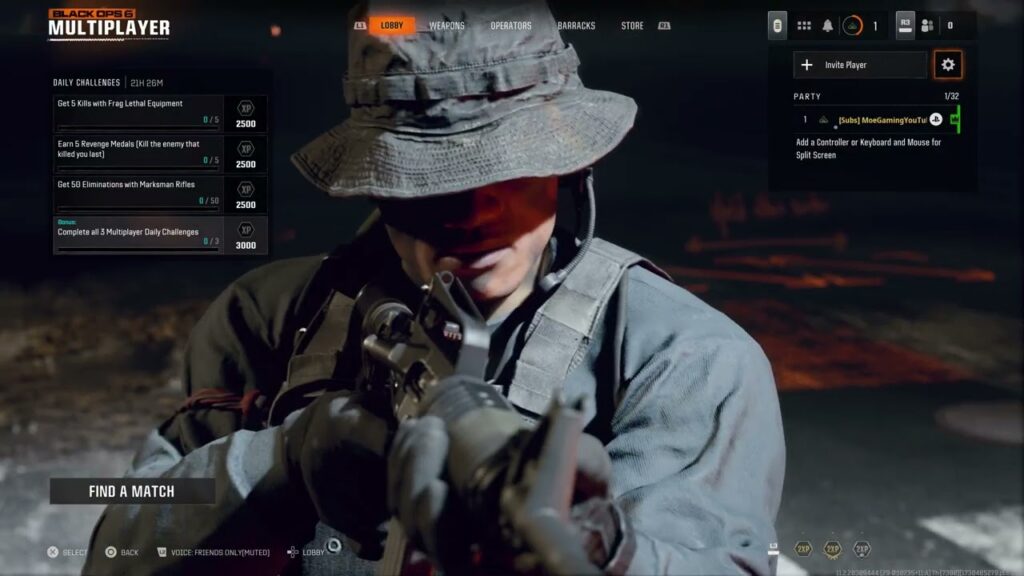
Fix Black Ops 6 Failed to Join Party on PS5
•
Fix Black Ops 6 party-join failures on PS5 by opening party privacy, trying invitations both ways, checking service status, and refreshing the console network. Read full guide →
-
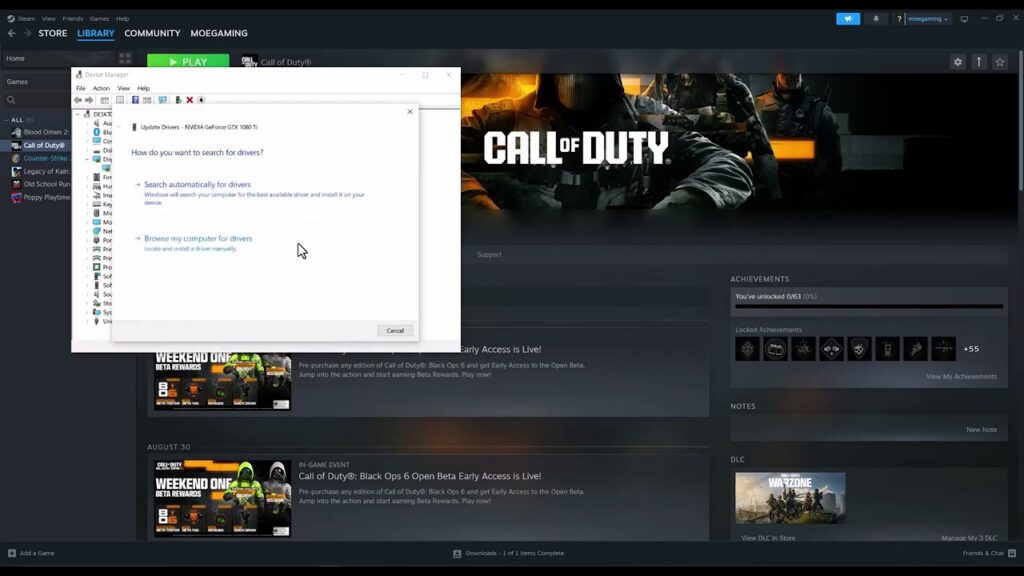
Fix Black Ops 6 GPU Driver Version Error on PC
•
Fix the Black Ops 6 GPU driver version warning by identifying your graphics card, installing the correct official driver, rebooting, and testing a known-good version. Read full guide →
-
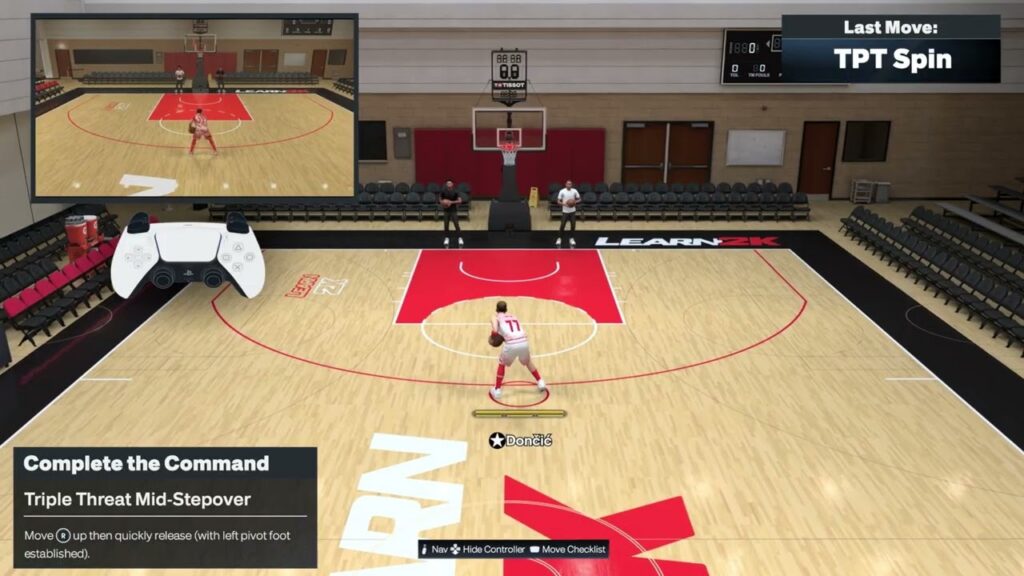
NBA 2K27 Triple Threat Controls on PS5: Stepovers, Spins & Escapes
•
Learn the NBA 2K27 triple-threat controls demonstrated on PS5 for stepovers, spin outs, a stepback and a hesitation escape, with timing and stance tips. Read full guide →
-
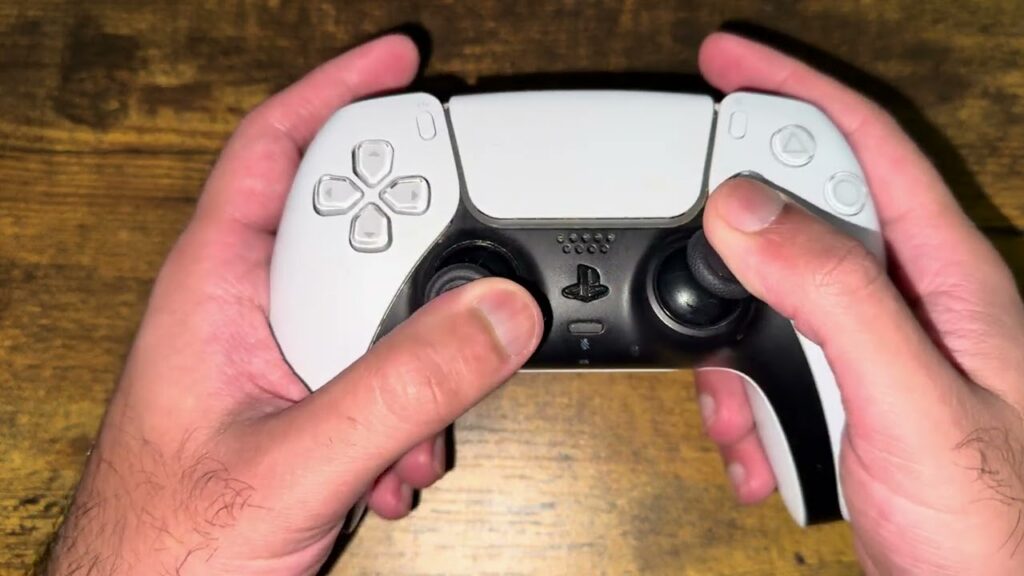
How to Fix PS5 Controller Stick Drift Without Opening It
•
Try safe, non-opening DualSense stick-drift checks: reset and reconnect the controller, clean around the sticks carefully, rotate them, and arrange repair if needed. Read full guide →
-
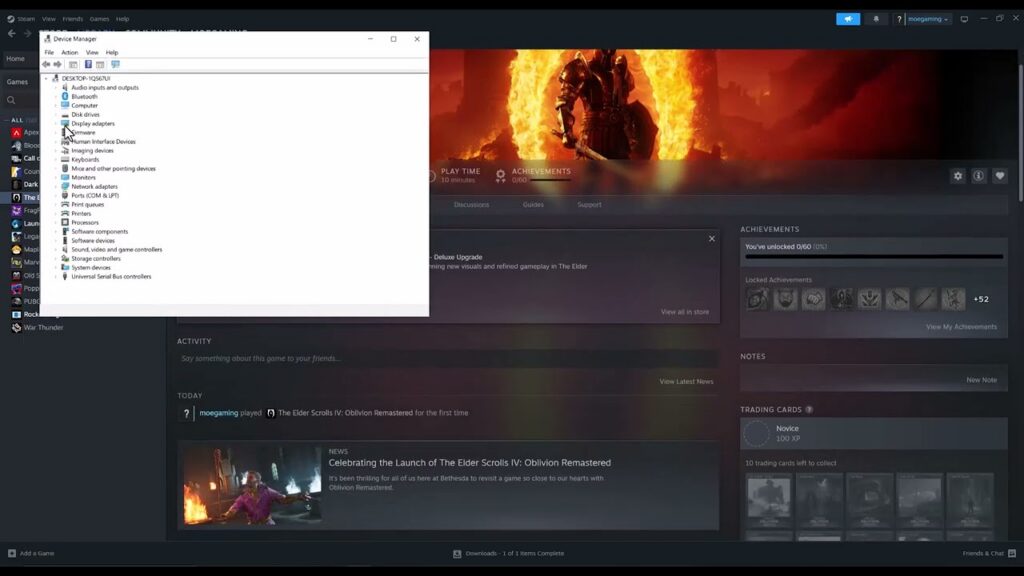
How to Fix Oblivion Remastered Crashing on Steam
•
Fix Oblivion Remastered crashes on Steam by checking requirements, updating drivers, verifying files, removing mods, and testing administrator mode. Read full guide →
-
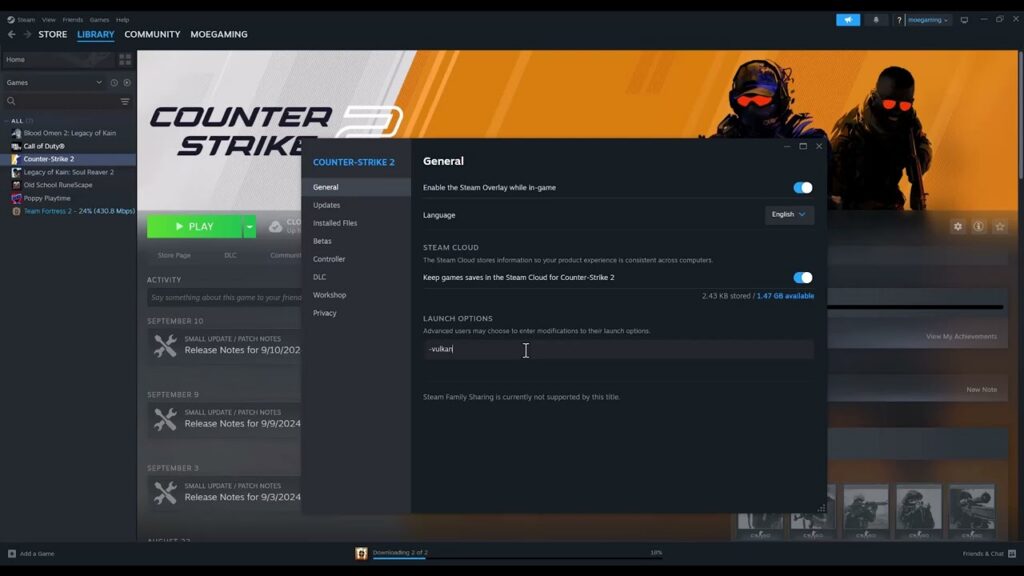
Fix Counter-Strike 2 CRenderDeviceMgrDx11::CreateDevice Error
•
Fix the Counter-Strike 2 CRenderDeviceMgrDx11::CreateDevice error by checking DirectX 11 support, updating drivers, testing Vulkan, and verifying files. Read full guide →
-
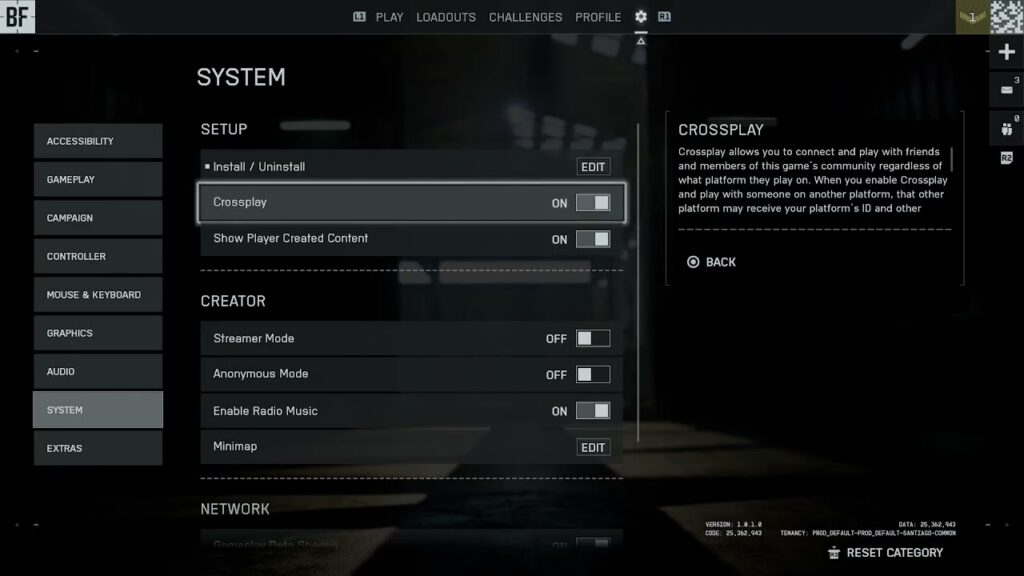
How to Turn Battlefield 6 Crossplay On or Off
•
Turn Battlefield 6 crossplay on or off from System Setup on Xbox or PlayStation, with the matchmaking limits and PC restriction explained. Read full guide →
-
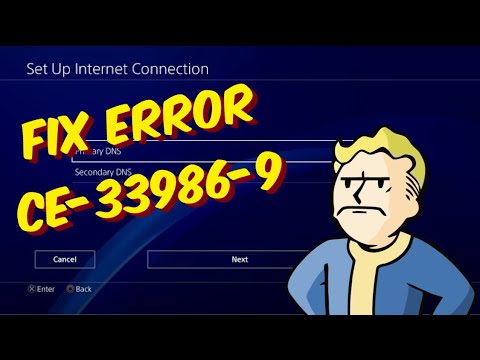
How to Fix PS4 Error CE-33986-9
•
Fix PS4 error CE-33986-9 with PSN checks, a connection test, router restart, Ethernet, and a reversible DNS test if needed. Read full guide →
-
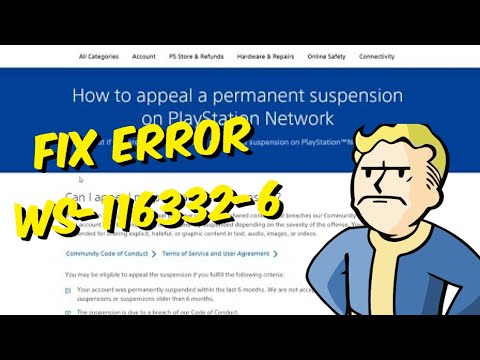
PS5 Errors WS-116332-6 and WS-116367-4: Suspension and Access
•
Understand PS5 error WS-116332-6, check for a service outage or account restriction, and use the proper PlayStation support or appeal path. Read full guide →
-
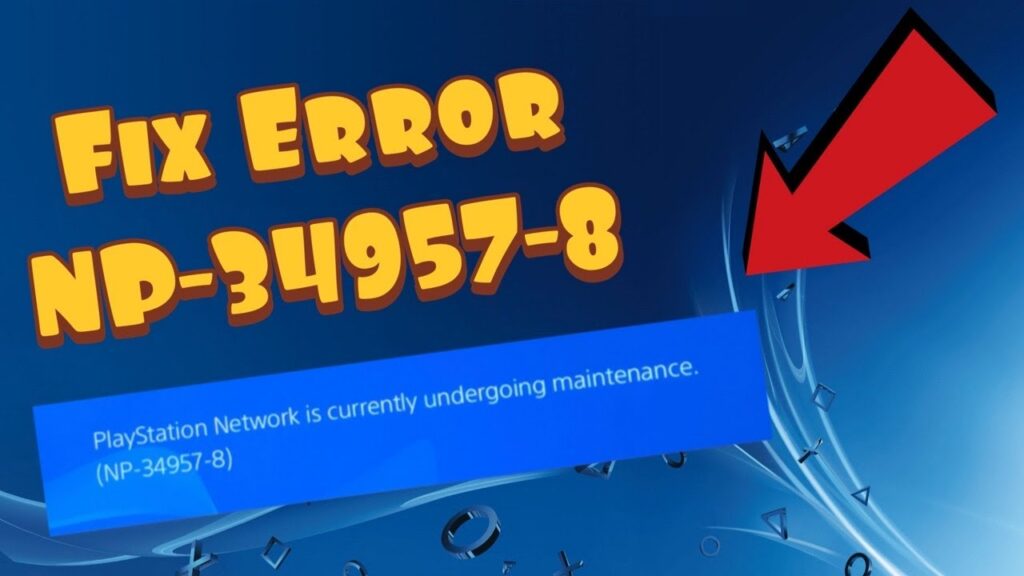
How to Fix PS4 Error NP-34957-8
•
Fix PS4 error NP-34957-8 by checking PlayStation Network status, restarting the console and router, and testing a stable wired connection. Read full guide →
Latest tutorials
Fresh fixes, walkthroughs, and gaming tech help.
-
Fix Black Ops 6 Failed to Join Party on PS5
Fix Black Ops 6 party-join failures on PS5 by opening party privacy, trying invitations both ways, checking service status, and… Read more →
•
-
Fix Black Ops 6 GPU Driver Version Error on PC
Fix the Black Ops 6 GPU driver version warning by identifying your graphics card, installing the correct official driver, rebooting,… Read more →
•
-
NBA 2K27 Triple Threat Controls on PS5: Stepovers, Spins & Escapes
Learn the NBA 2K27 triple-threat controls demonstrated on PS5 for stepovers, spin outs, a stepback and a hesitation escape, with… Read more →
•
-
How to Fix PS5 Controller Stick Drift Without Opening It
Try safe, non-opening DualSense stick-drift checks: reset and reconnect the controller, clean around the sticks carefully, rotate them, and arrange… Read more →
•
-
How to Fix Oblivion Remastered Crashing on Steam
Fix Oblivion Remastered crashes on Steam by checking requirements, updating drivers, verifying files, removing mods, and testing administrator mode. Read more →
•
-
Fix Counter-Strike 2 CRenderDeviceMgrDx11::CreateDevice Error
Fix the Counter-Strike 2 CRenderDeviceMgrDx11::CreateDevice error by checking DirectX 11 support, updating drivers, testing Vulkan, and verifying files. Read more →
•
-
How to Turn Battlefield 6 Crossplay On or Off
Turn Battlefield 6 crossplay on or off from System Setup on Xbox or PlayStation, with the matchmaking limits and PC… Read more →
•
-
How to Fix PS4 Error CE-33986-9
Fix PS4 error CE-33986-9 with PSN checks, a connection test, router restart, Ethernet, and a reversible DNS test if needed. Read more →
•
-
PS5 Errors WS-116332-6 and WS-116367-4: Suspension and Access
Understand PS5 error WS-116332-6, check for a service outage or account restriction, and use the proper PlayStation support or appeal… Read more →
•
-
How to Fix PS4 Error NP-34957-8
Fix PS4 error NP-34957-8 by checking PlayStation Network status, restarting the console and router, and testing a stable wired connection. Read more →
•