Tutorial archive
Gaming fixes, walkthroughs, and troubleshooting guides
Browse practical tutorials for PC, console, and game-specific issues, with clear steps and video-backed help for solving problems fast.
Inside Tutorials
- PC gaming fixes
- Console troubleshooting
- Error code solutions
- Game-specific how-to guides
Featured post
-
How to Fix PS5 Error CE-100005-6
•
Fix PS5 error CE-100005-6 by deleting the failed install, cleaning and reinserting the disc correctly, restarting the console, and reinstalling the game. Read full guide →
-
How to Fix Xbox Update Error 0xE0E8000F
•
Fix Xbox update error 0xE0E8000F by restarting the console and network, opening the Startup Troubleshooter, and using an offline update or reset only if needed. Read full guide →
-
How to Fix PS4 Error WC-34736-3
•
Fix PS4 error WC-34736-3 by removing and re-registering the payment method with matching billing details, trying another method, or waiting 24 hours. Read full guide →
-
How to Fix PS5 Errors CE-109502-7 and CE-109503-8
•
Fix PS5 errors CE-109502-7 and CE-109503-8 by checking PSN, restarting the network, testing Ethernet or Wi-Fi bands, and refreshing connection settings. Read full guide →
-
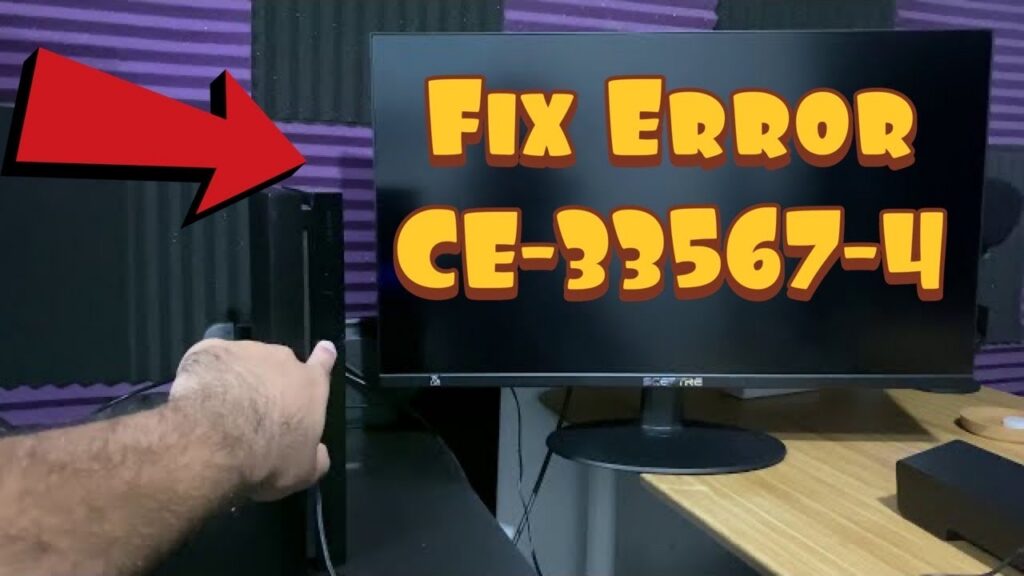
How to Fix PS4 Error CE-33567-4 (Cannot Initialize)
•
Fix PS4 error CE-33567-4 by using Safe Mode, updating system software, rebuilding the database, and reserving a USB reinstallation for the last resort. Read full guide →
-
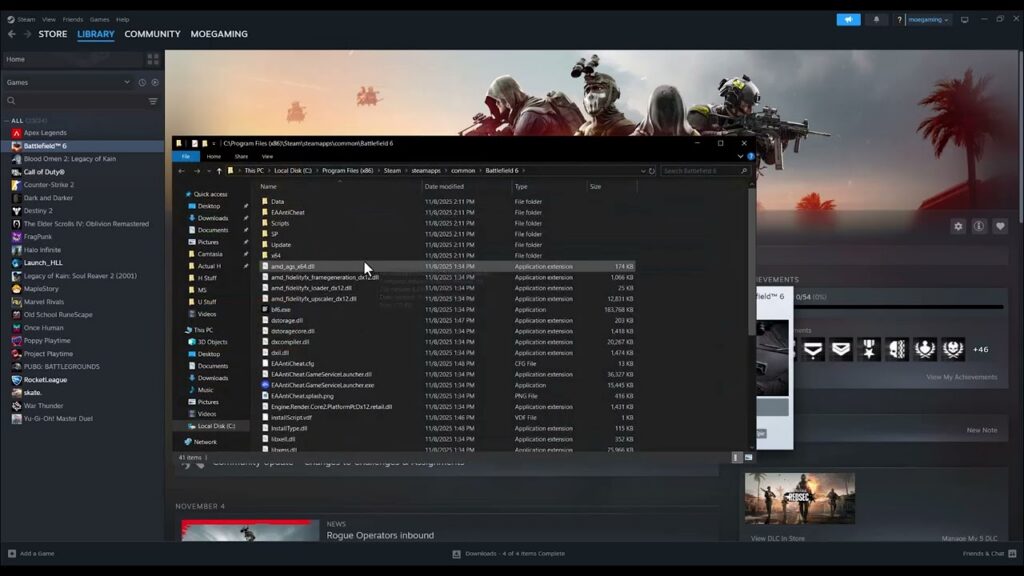
How to Fix Battlefield REDSEC DirectX ‘GetDeviceRemovedReason’ Error
•
Troubleshoot Battlefield REDSEC DirectX GetDeviceRemovedReason crashes by updating the GPU driver, repairing files, disabling overlays, and testing stock settings. Read full guide →
-
How to Fix Black Ops 7/Warzone Stuck in a Server Queue Loop
•
Fix a Black Ops 7 or Warzone server queue loop by checking service status, restarting the game, refreshing the required content pack, and testing the connection. Read full guide →
-
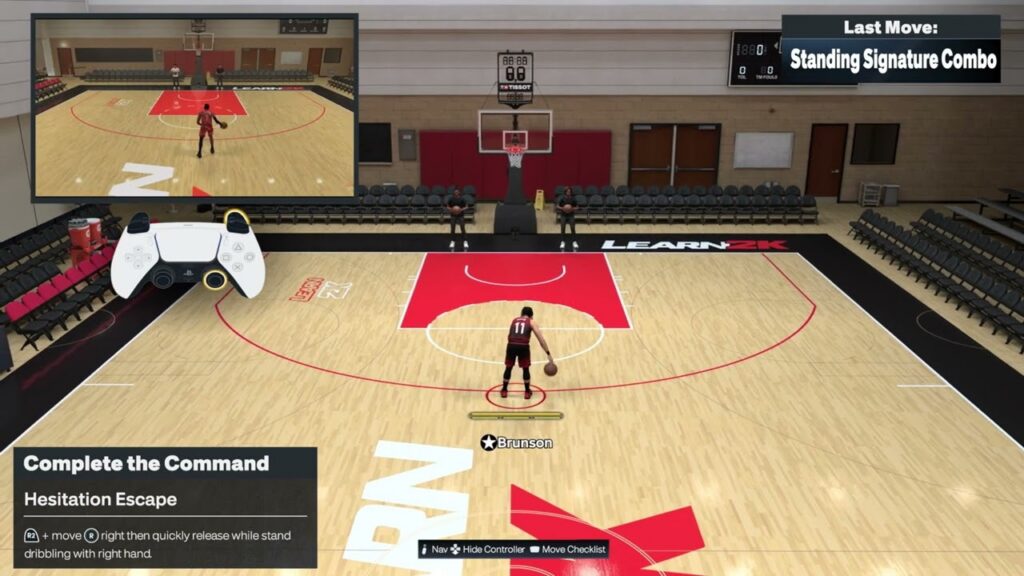
NBA 2K27 Dribbling Controls on PS5: Combos, Crossovers & Escapes
•
Use the NBA 2K27 PS5 inputs demonstrated for a hesitation escape, signature combo and stepback crossover, with timing, package and ball-hand tips. Read full guide →
-
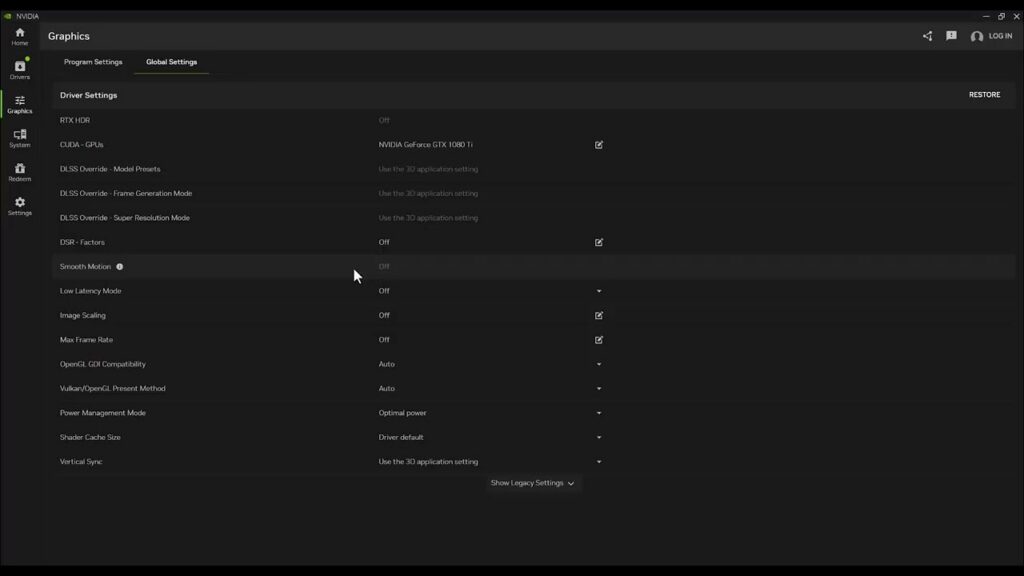
How to Fix Battlefield 6 Black Screen at Launch on PC
•
Battlefield 6 opens to a black screen? Close stuck processes, update drivers, repair the game, clear the EA app cache, and test without overlays. Read full guide →
-
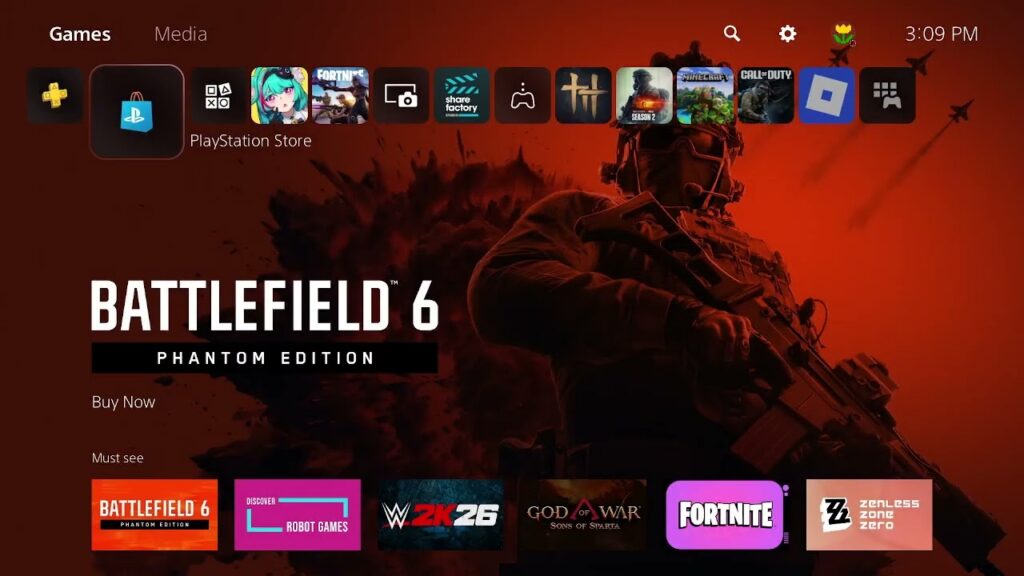
How to Fix an “Unidentified Error” When Buying a Game on PS5
•
Fix a PS5 Store unidentified purchase error by checking PSN, verifying payment details and region, waiting after security blocks, or using a wallet code. Read full guide →
Latest tutorials
Fresh fixes, walkthroughs, and gaming tech help.
-
How to Fix PS5 Error CE-100005-6
Fix PS5 error CE-100005-6 by deleting the failed install, cleaning and reinserting the disc correctly, restarting the console, and reinstalling… Read more →
•
-
How to Fix Xbox Update Error 0xE0E8000F
Fix Xbox update error 0xE0E8000F by restarting the console and network, opening the Startup Troubleshooter, and using an offline update… Read more →
•
-
How to Fix PS4 Error WC-34736-3
Fix PS4 error WC-34736-3 by removing and re-registering the payment method with matching billing details, trying another method, or waiting… Read more →
•
-
How to Fix PS5 Errors CE-109502-7 and CE-109503-8
Fix PS5 errors CE-109502-7 and CE-109503-8 by checking PSN, restarting the network, testing Ethernet or Wi-Fi bands, and refreshing connection… Read more →
•
-
How to Fix PS4 Error CE-33567-4 (Cannot Initialize)
Fix PS4 error CE-33567-4 by using Safe Mode, updating system software, rebuilding the database, and reserving a USB reinstallation for… Read more →
•
-
How to Fix Battlefield REDSEC DirectX ‘GetDeviceRemovedReason’ Error
Troubleshoot Battlefield REDSEC DirectX GetDeviceRemovedReason crashes by updating the GPU driver, repairing files, disabling overlays, and testing stock settings. Read more →
•
-
How to Fix Black Ops 7/Warzone Stuck in a Server Queue Loop
Fix a Black Ops 7 or Warzone server queue loop by checking service status, restarting the game, refreshing the required… Read more →
•
-
NBA 2K27 Dribbling Controls on PS5: Combos, Crossovers & Escapes
Use the NBA 2K27 PS5 inputs demonstrated for a hesitation escape, signature combo and stepback crossover, with timing, package and… Read more →
•
-
How to Fix Battlefield 6 Black Screen at Launch on PC
Battlefield 6 opens to a black screen? Close stuck processes, update drivers, repair the game, clear the EA app cache,… Read more →
•
-
How to Fix an “Unidentified Error” When Buying a Game on PS5
Fix a PS5 Store unidentified purchase error by checking PSN, verifying payment details and region, waiting after security blocks, or… Read more →
•