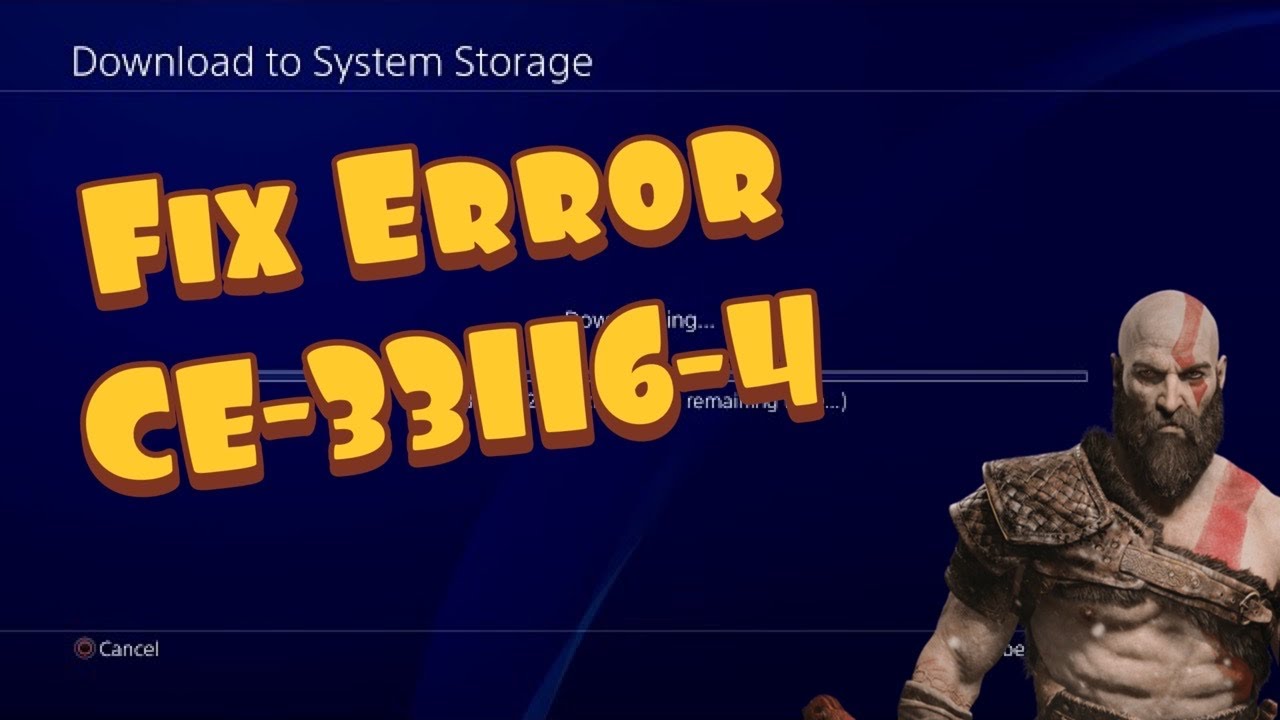
Quick answer: CE-33116-4 is shown in the source video while downloading a PS4 cloud save. Confirm the correct PSN account still has PlayStation Plus, leave enough free console storage, check PSN, and retry the download. Restore licenses only if the game or entitlement also appears locked.
Before you start
- Do not overwrite a newer local save with an older cloud copy.
- Photograph or write down the local and cloud timestamps.
- If possible, upload the current local save or copy it to USB before restoring another version.
How to fix CE-33116-4
- Confirm PlayStation Plus. Sign in with the account that owns the cloud save and confirm its subscription is active. PS4 cloud storage is a PlayStation Plus benefit.
- Check PlayStation Network status. If account or gaming services are degraded, wait before retrying.
- Check free space. Open Settings > Storage. A save download needs available system storage even when the file looks small.
- Restart the PS4. Fully restart the console rather than using Rest Mode, then sign back in.
- Open the cloud-save screen. Go to Settings > Application Saved Data Management > Saved Data in Online Storage > Download to System Storage.
- Compare timestamps. Select only the save you intend to restore. Read the overwrite warning carefully and stop if the cloud file is older than the local progress you want to keep.
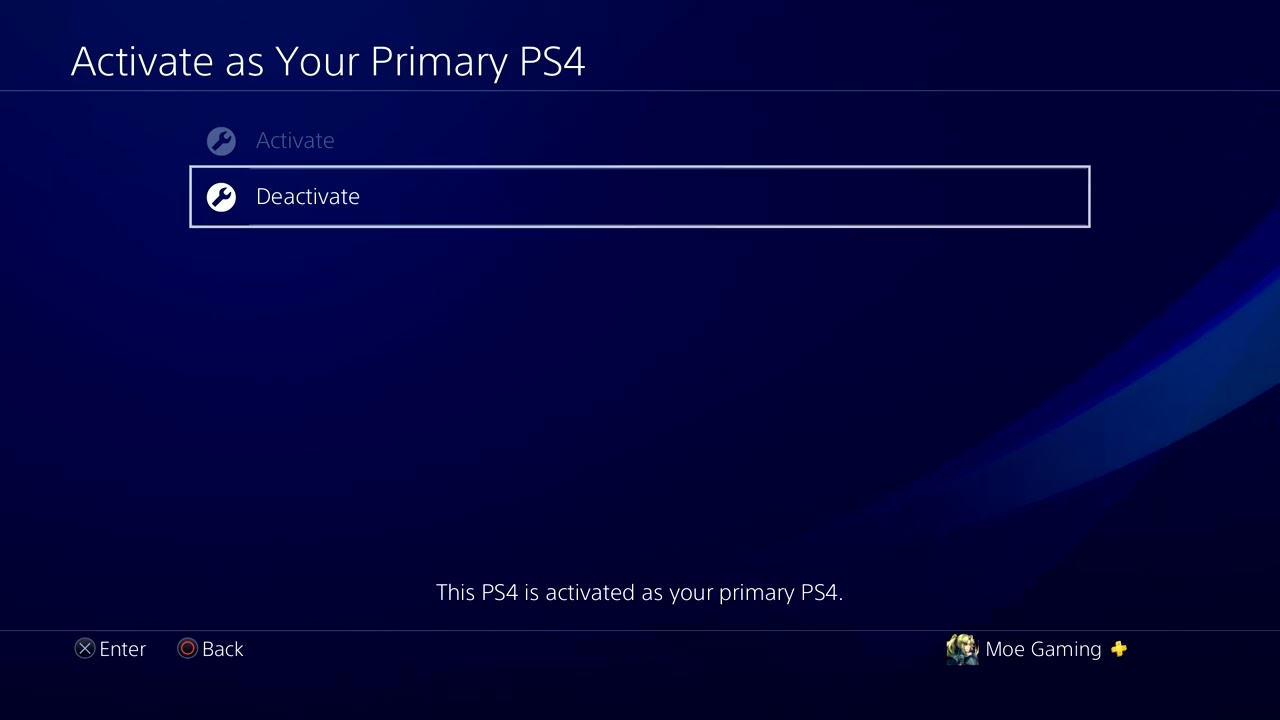
- Restore licenses only when needed. If the game is locked or ownership is not being recognized, go to Settings > Account Management > Restore Licenses, restart, and retry.
Why this works
The checks cover the three dependencies involved: an active cloud-storage entitlement, enough space for the local copy and a healthy connection to PlayStation. Restoring licenses refreshes purchase entitlements; it does not repair a corrupted save and should not be treated as the first step.
Alternatives
- From the PS4 home screen, highlight the game, press OPTIONS, and choose Upload/Download Saved Data.
- Try a wired connection if the download repeatedly stops.
- If only one game is affected, contact that publisher before deleting any save.
Warnings
- Downloading a cloud save can overwrite the local copy and erase newer progress.
- Never delete the only copy of a save as a first troubleshooting step.
- Do not initialize the PS4 for a cloud-save error.
FAQ
Do I need PlayStation Plus to download a PS4 cloud save?
Yes, cloud storage is a PlayStation Plus feature.
Does Restore Licenses delete saves?
No. It refreshes content entitlements, but it does not restore damaged save data.
Why is the error code missing from the current directory?
Sony’s current public directory does not list every legacy code. The safe workflow above uses current cloud-storage and licensing guidance rather than guessing at an undocumented cause.
Official references
Source video
As an Amazon Associate I earn from qualifying purchases.