Quick answer: Fully quit Black Ops 6 or Call of Duty: Warzone, then reopen it. The source video presents this as an unofficial workaround for Error 2901 after a long idle session. It can refresh a stale lobby connection, but it is not a guaranteed fix and viewer feedback is mixed.
Before you start
- Save or finish any active match before closing the game.
- Know whether the error appeared after the lobby sat idle, during sign-in, or while matchmaking.
- Check that the game and your PC or console are online.
How to fix Error 2901
- Check Activision service status. If Black Ops 6 or Warzone shows an outage, wait for service recovery instead of repeatedly changing settings.
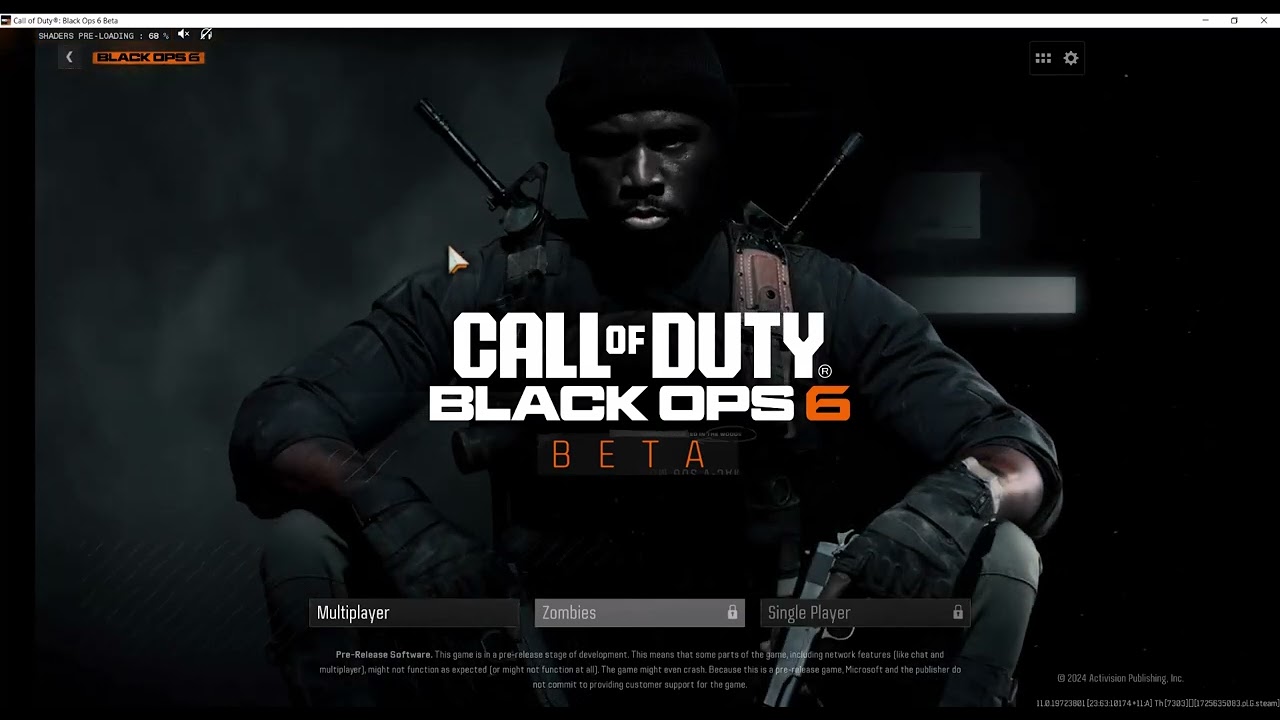
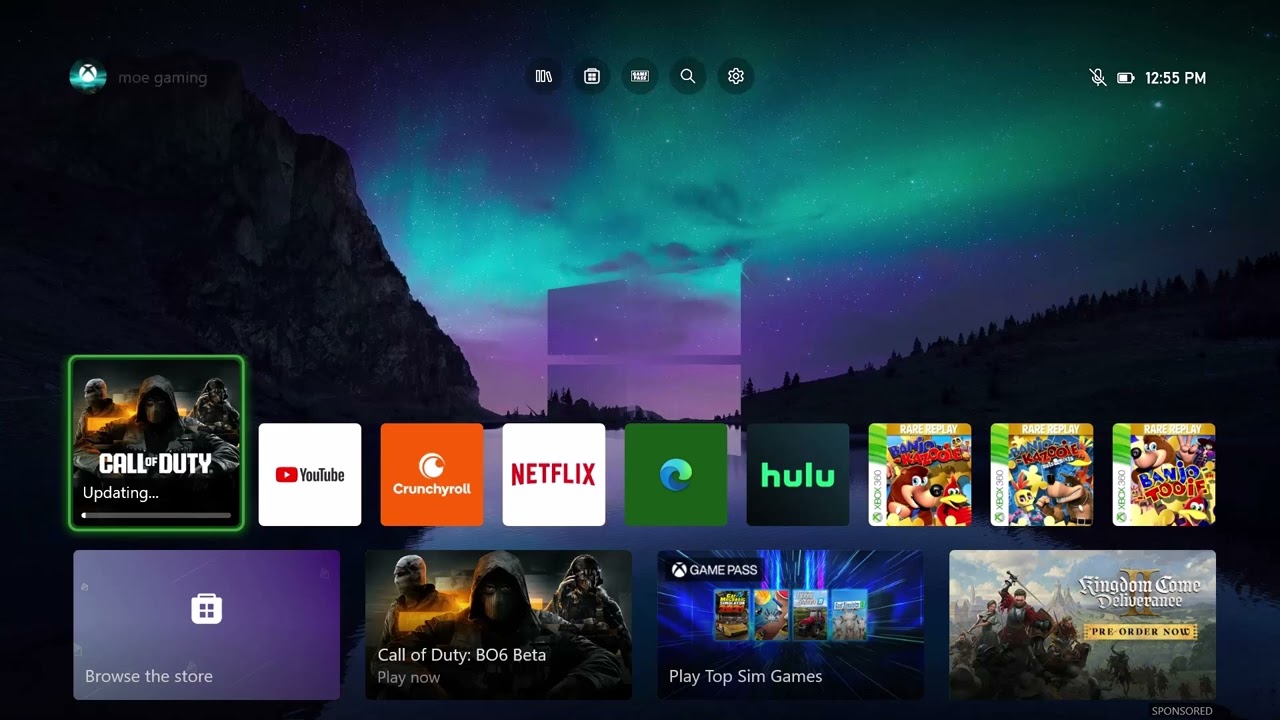
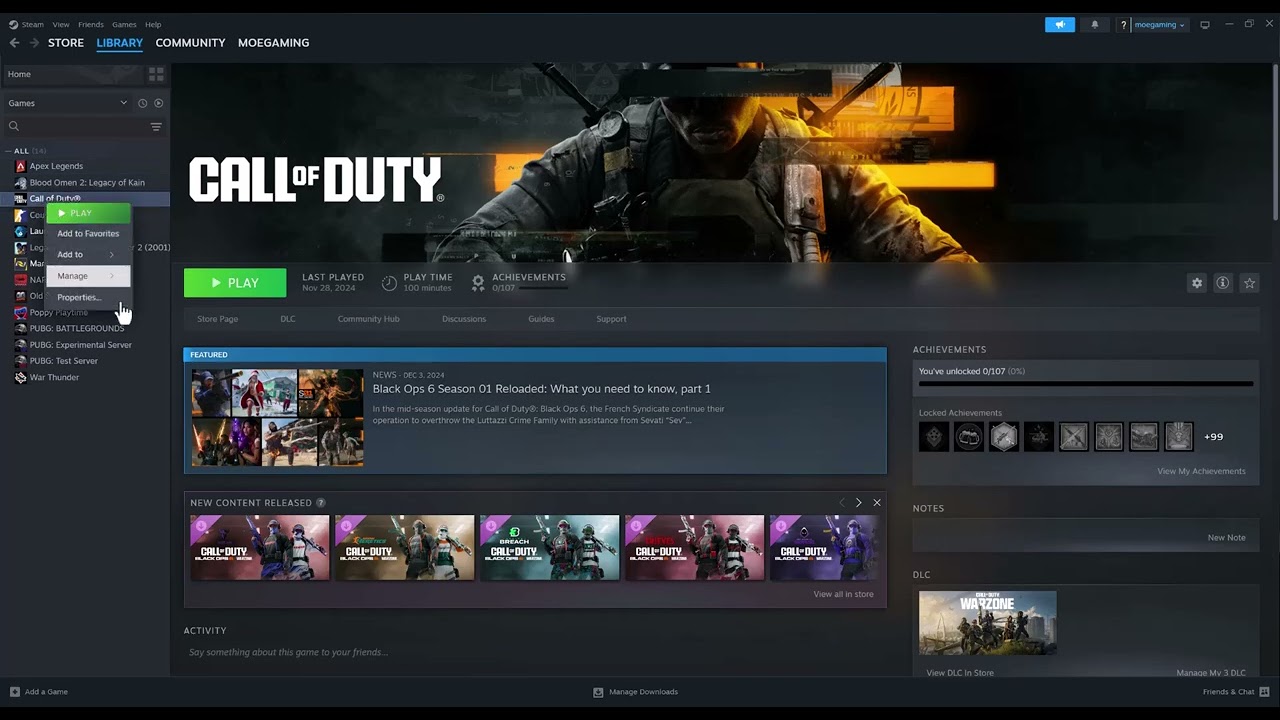
- Quit the game completely. On Xbox or PlayStation, highlight the game, open its options menu, and choose Quit or Close Game. On PC, exit to the desktop and confirm the game is no longer running in Task Manager.
- Wait about 30 seconds, then relaunch. Return to the main menu and let the online-services connection finish before joining a lobby.
- Restart the device if the code returns. Use a normal restart rather than rest mode or sleep so the game and network stack start fresh.
- Install pending updates. Update Call of Duty, the platform system software, and—on PC—the launcher. Version mismatches can stop a lobby from being created or joined.
- Test one fresh lobby. Avoid leaving the menu idle during the test. If Error 2901 returns immediately, continue with the alternatives below.
Why this can work
A complete quit ends the current game process and discards its temporary online session. Reopening forces a new connection and authentication attempt. That is why the workaround is most plausible when the error follows a long idle period. It will not repair a wider Activision outage, an account restriction, or a persistent local network problem.
Alternatives if restarting does not help
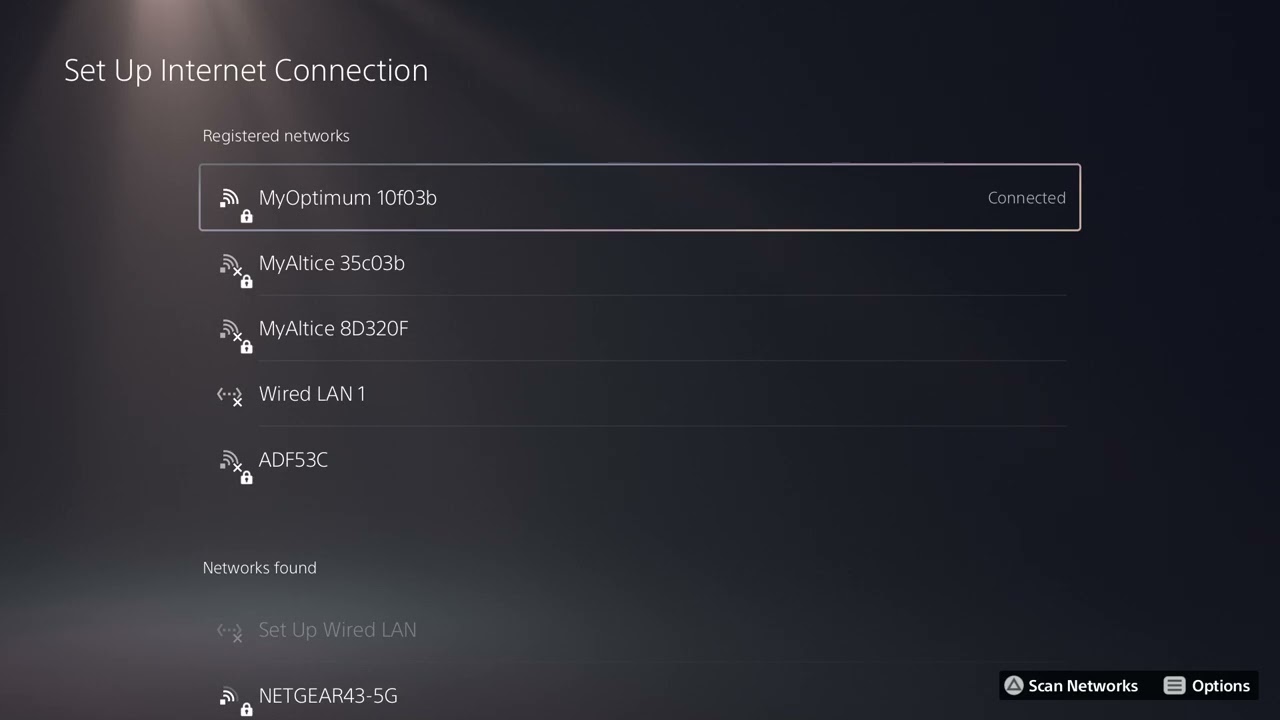
- Power-cycle your modem/router, then restart the PC or console.
- Use a wired Ethernet connection for one test if Wi-Fi is unstable.
- Run the platform’s built-in network test and verify that NAT is not being reported as failed.
- Sign out of the game platform only if you know the account credentials and recovery method, then sign back in.
- Contact Activision Support with the code, platform, approximate time, and whether it occurs in Black Ops 6, Warzone, or both.
Warnings and limitations
The restart method comes from the source video, not an Activision article for Error 2901. Some viewers reported that it did not solve their case. Do not delete saves, unlink accounts, change router security, or reinstall the entire game as a first response. Nothing in the steps above changes saved data; to undo the only state change, simply reopen the game.
FAQ
Is Error 2901 a ban?
The code alone does not prove an enforcement action. Check the service page and your account notifications before drawing that conclusion.
Should I reinstall Black Ops 6?
Not first. A full quit, device restart, update check, and service check are faster and lower risk.
Why does it happen after sitting in the lobby?
The source video associates it with an idle session, suggesting a stale connection. That explanation is plausible but has not been published as an official cause.
Official references
Source video
As an Amazon Associate I earn from qualifying purchases.